
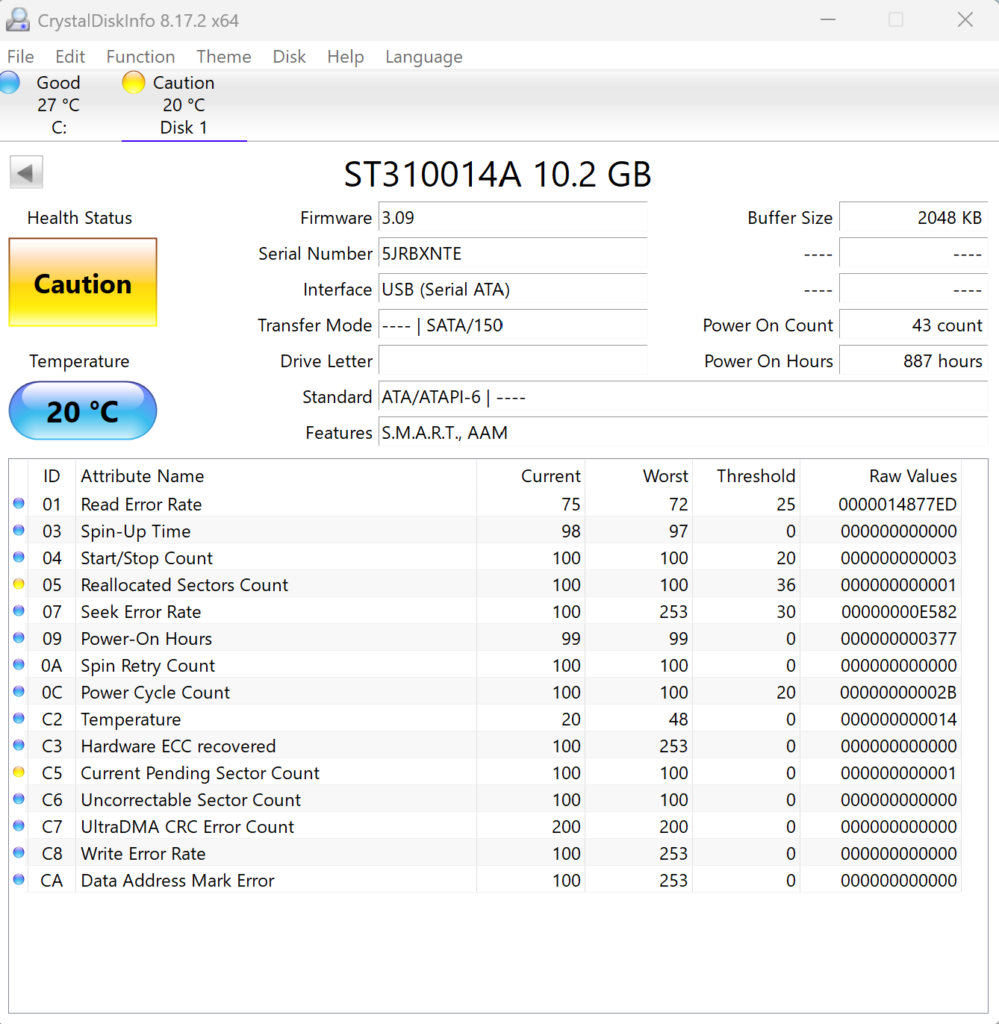
This special edition green Xbox was sent with symptoms of very slow boot, sometimes failing. Customer explained that they had attempted a partial recap of the console and they thought the problems was they had not done this properly. On checking of the console, after replacing the capacitors, it became apparent that the issue was a failing HDD. This was confirmed by using a USB to IDE adapter to connect the HDD to the PC and check the health of the HDD.
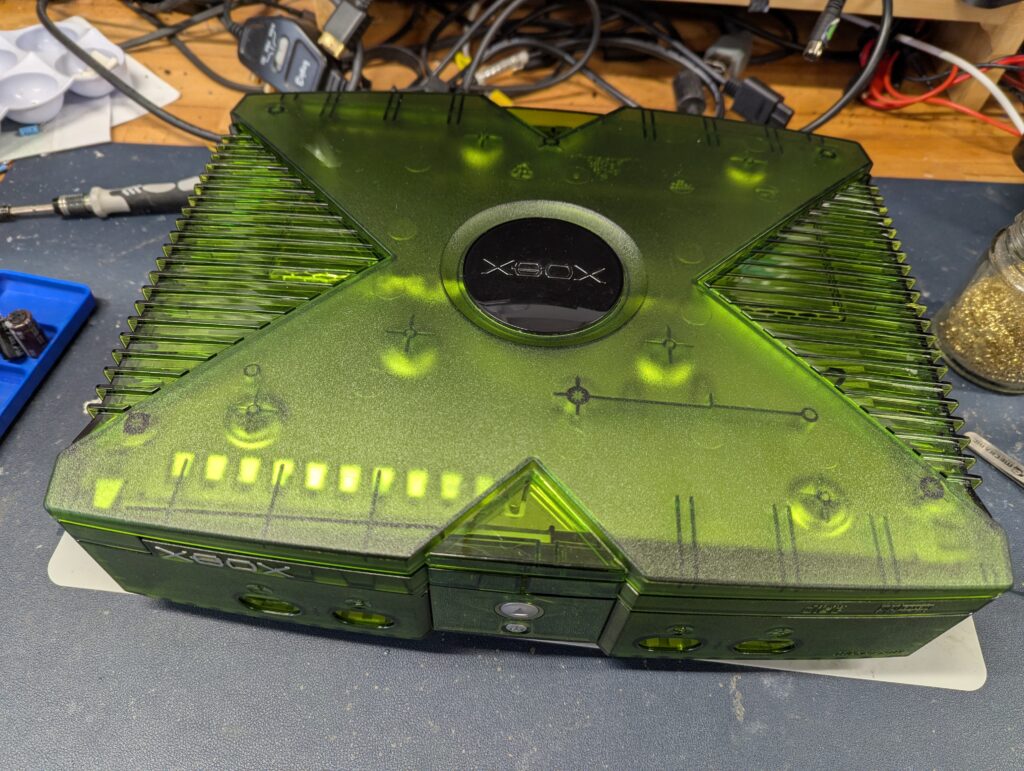
Customer agreed to change the HDD with a 250 Sandisk SSD, but was keen to keep the look and feel as stock as possible. As a modchip Aladdin with a Cerbios 3.1.0 BIOS was chosen (it is the most powerful BIOS available), a Startech IDE-to-SATA adapter (the most compatible adapter available), and an ASUS 80-pin flat ribbon connector. The smaller SSD was attached to the console tray using a 3D printed adapter, which was includded free of charge.
For software, I installed UIX Lite as the main dashboard, which looks exactly the same at the stock dashboard but with a “Launcher” menu option. I also ensured that the booting animation is the stock one. Cerbios however has its own splash screen when the BIOS is booting and before the animation, and that cannot be replaced. It only appears for a few seconds at booting time before the stock animation.
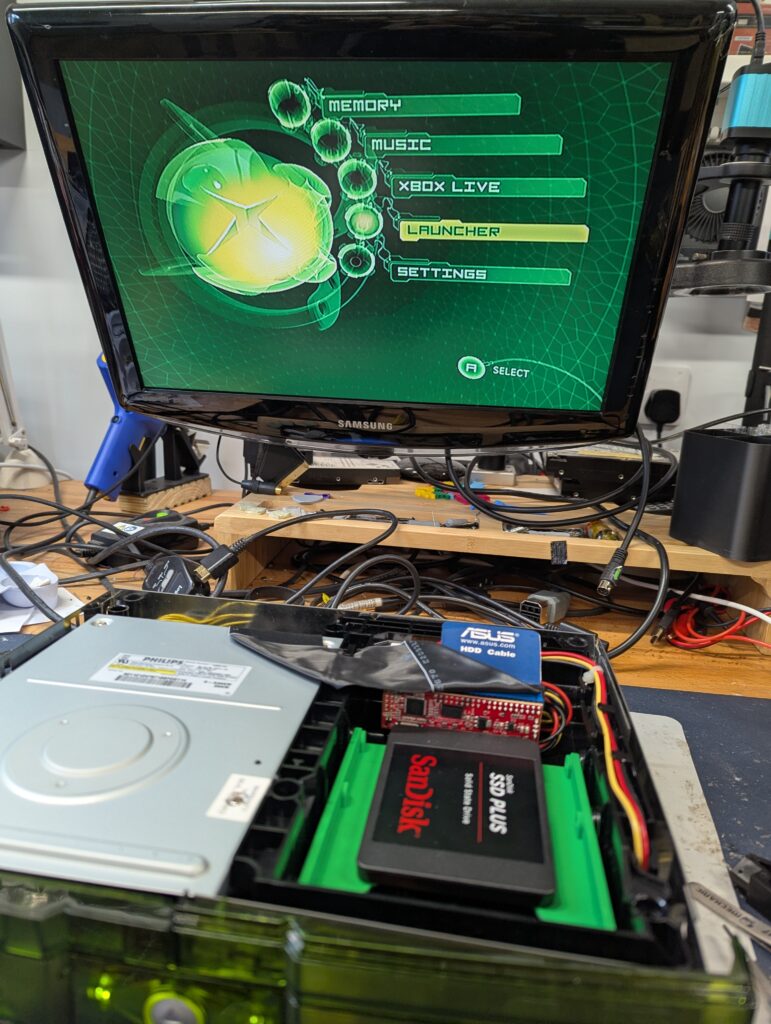
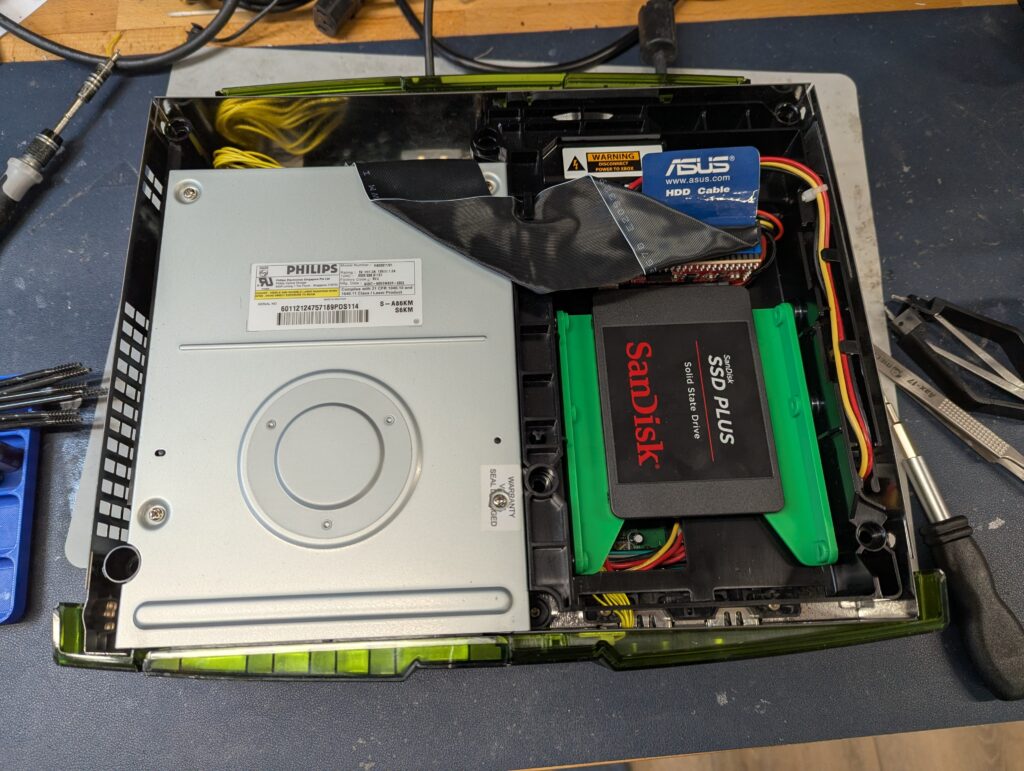
Playing games from disc should work the same as stock, as they are auto-played when inserted in the DVD drive. During tests, I noted the DVD drive struggling to read disc sometimes (the test disc is slightly scratched so that might have contributed to it). There is extensive evidence of Original Xbox DVD drives to start failing and there is no easy replacement for the lasers. My recommendation was to play games from the SSD as default and only use the DVD drive when absolutely necessary. There is Homebrew software to copy a stock DVD to the hard disk, and game images are available online.
- Use the Launcher menu to access all the benefits of a modded Xbox with extensive settings and configurations
- Connect the xbox to an ethernet cable and use the integrated FTP server to connect to the xbox from a PC to transfer games, homewbrew or any other files
- Boot the console with the “eject” button to access Cerbio specific configuration
Please note that I did not install the clock capacitor back because it offers barely any benefits in a modded console. It would only keep the date a few minutes, and the new dashboard is not going to ask the date and time at boot anyway. There is homewbrew to let you sync the time and date from the internet, and overall, offers one less failure point in the future. I include the capacitors I took back from the console in a back inside the box