
This order was for the installation of a region-fee BIOS in two SEGA Dramcast, and also for the installation of a RetroGEM in one of them.
Both consoles had replaced shells. The one that required only a BIOS swap had a custom port PCB, a Noctua fan and a 12V power supply.
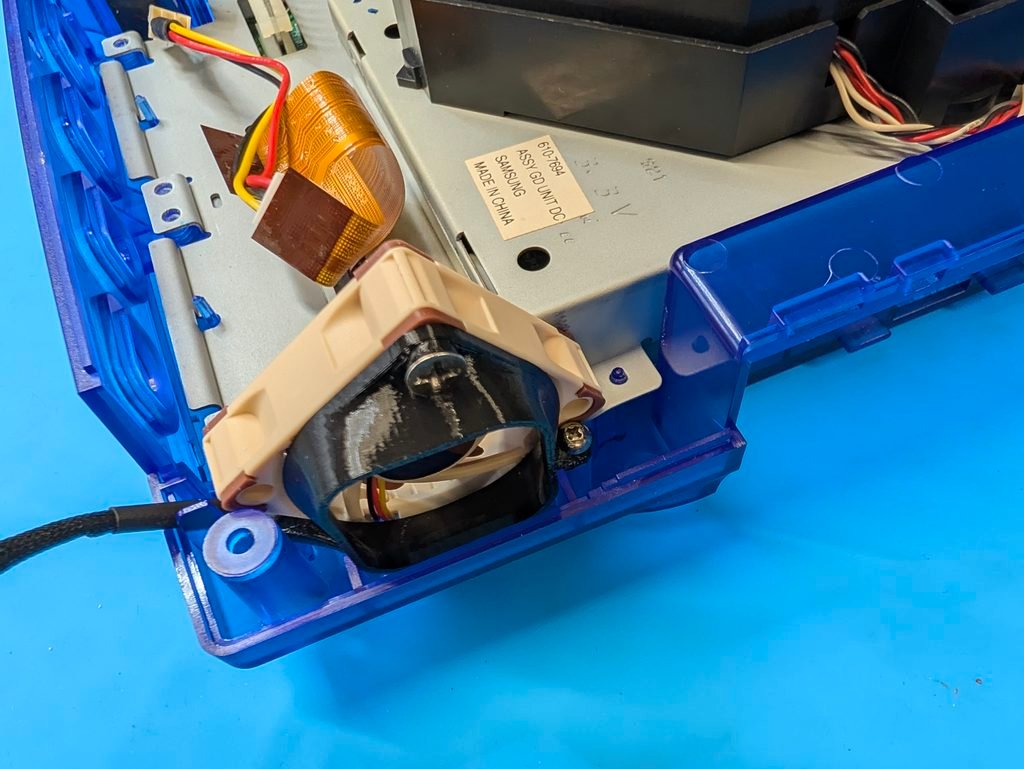
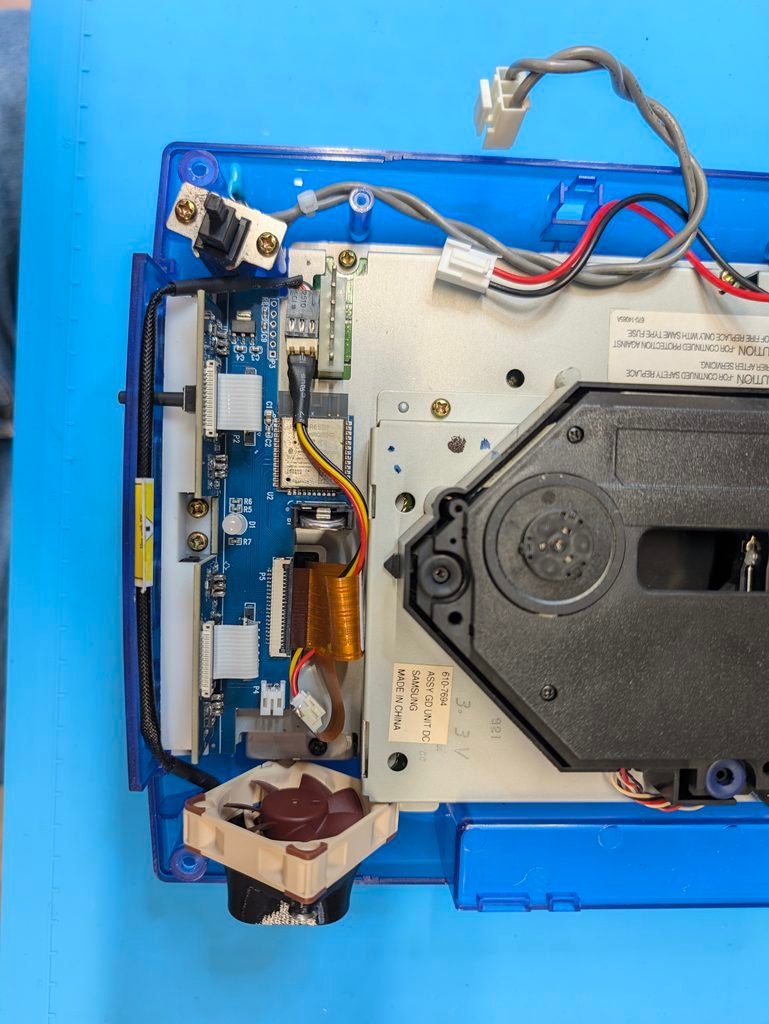
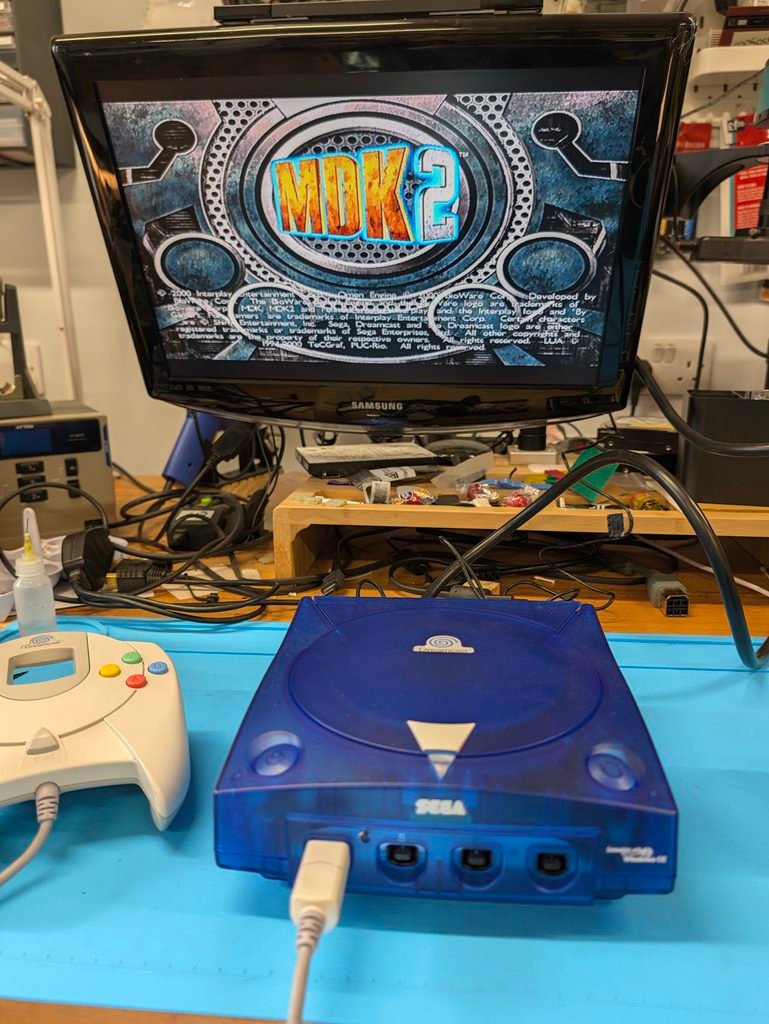
The replacement of the BIOS was straight forward and everything worked as expected.
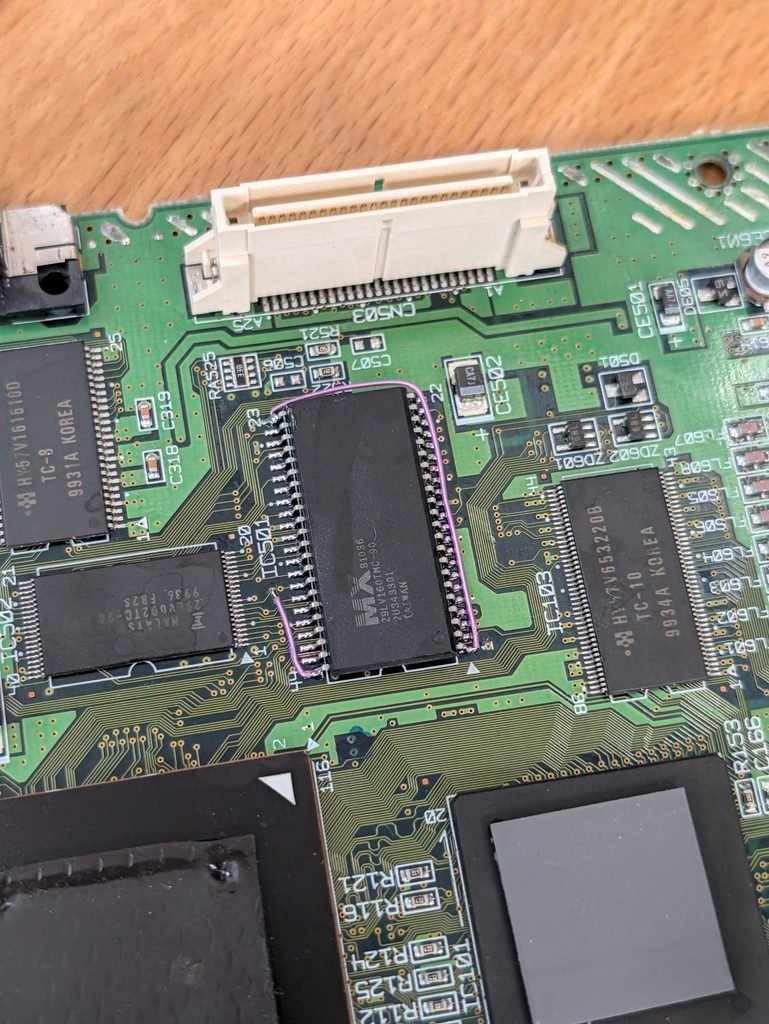
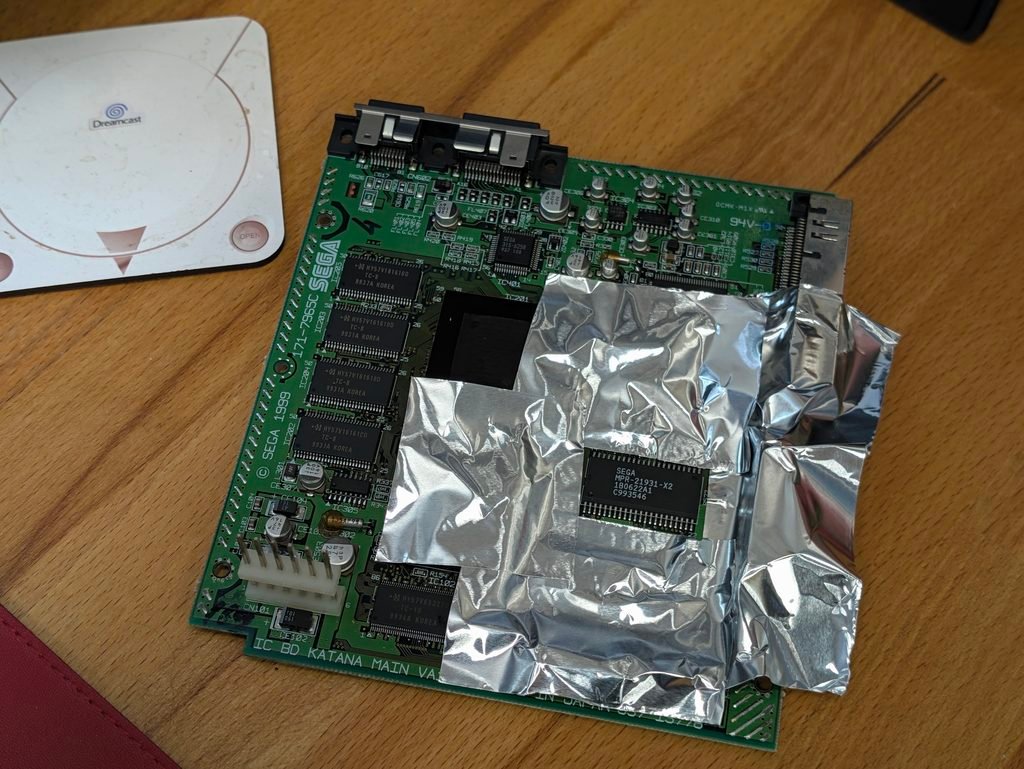

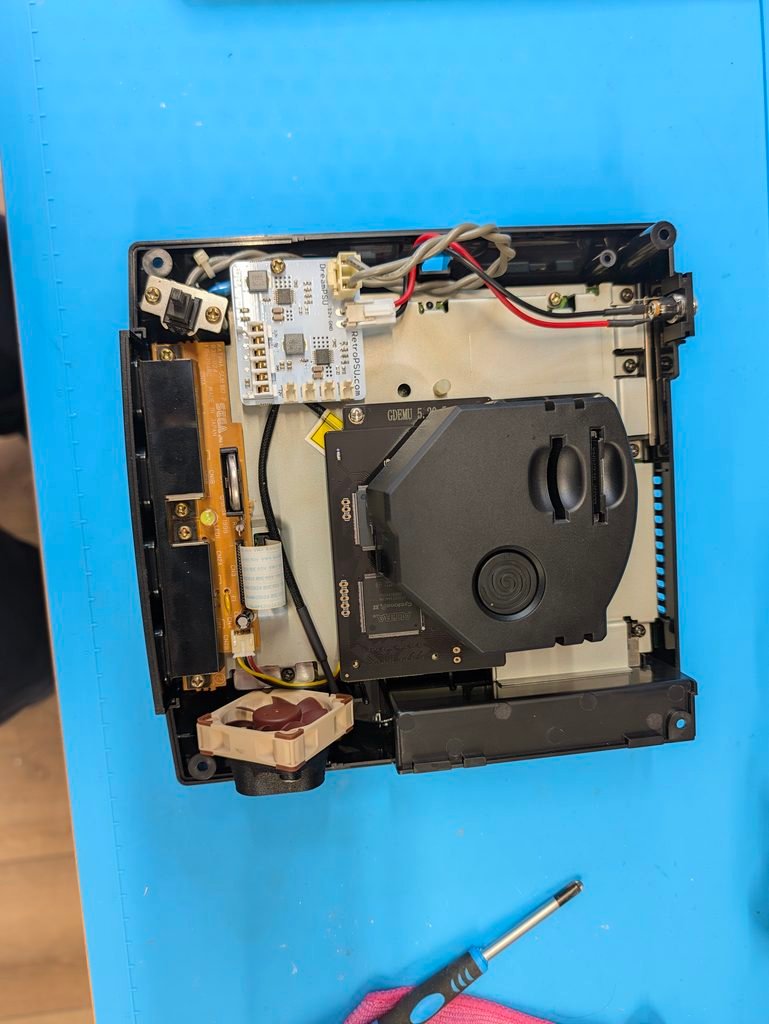
The second console had also a 12V PSU and a Noctua fan, but a stock port PCB and a GDEMU.
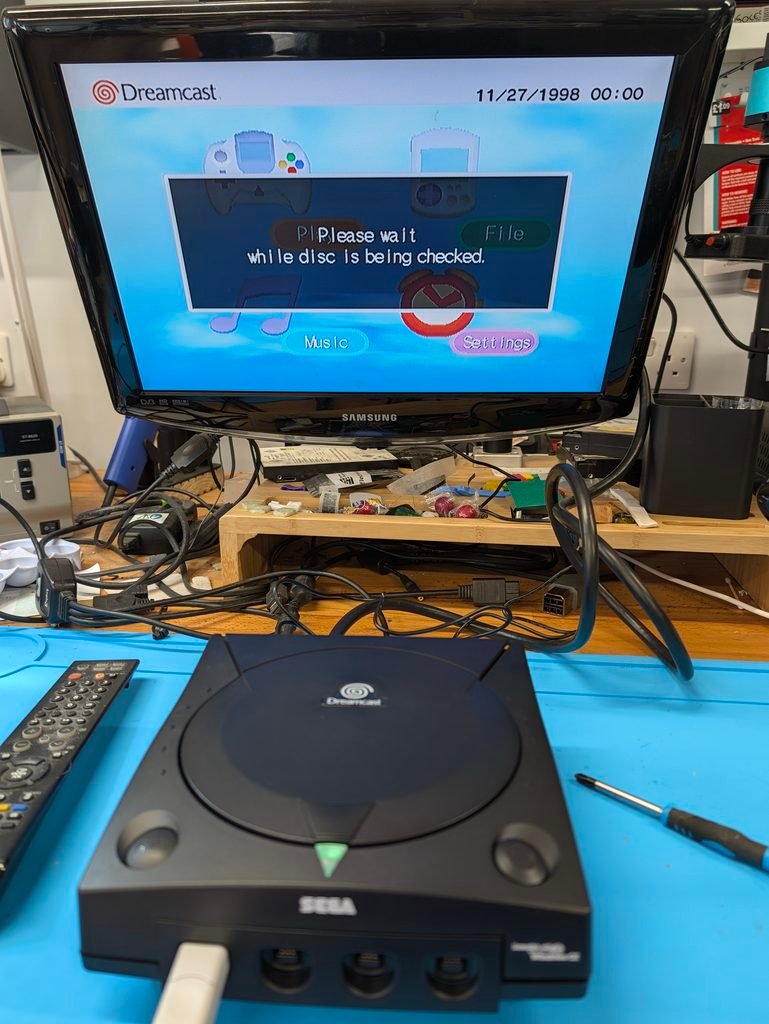
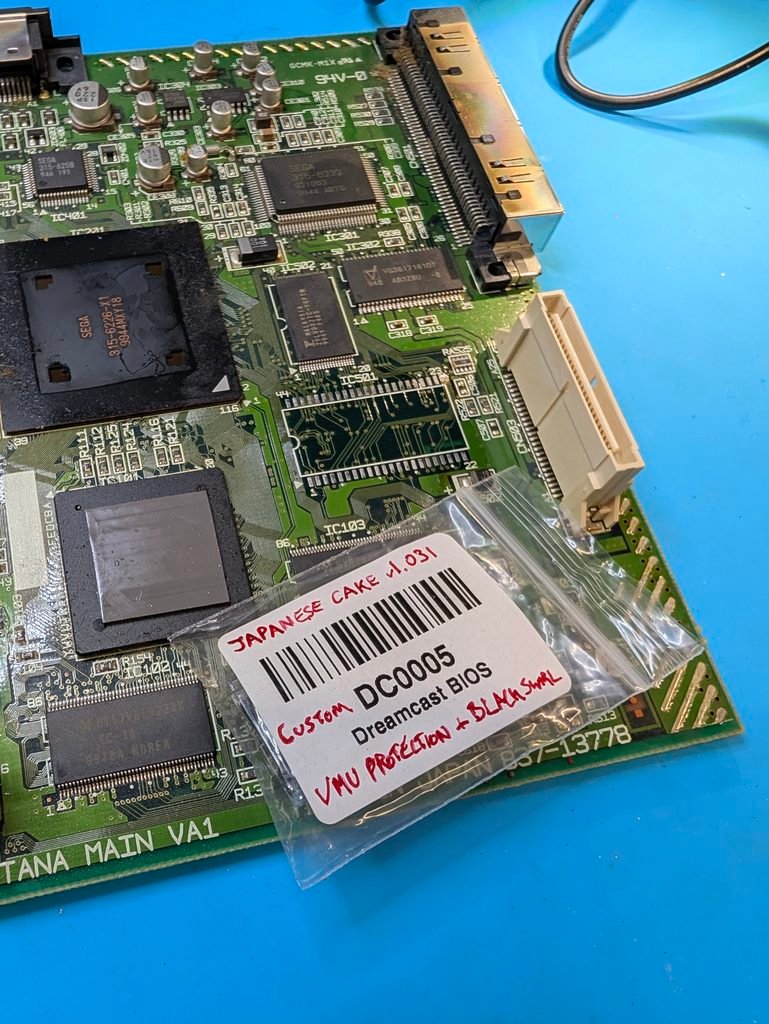
In this occasion the BIOS wouldn’t work, hanging on boot. Customer sent another BIOS and that one was all right.

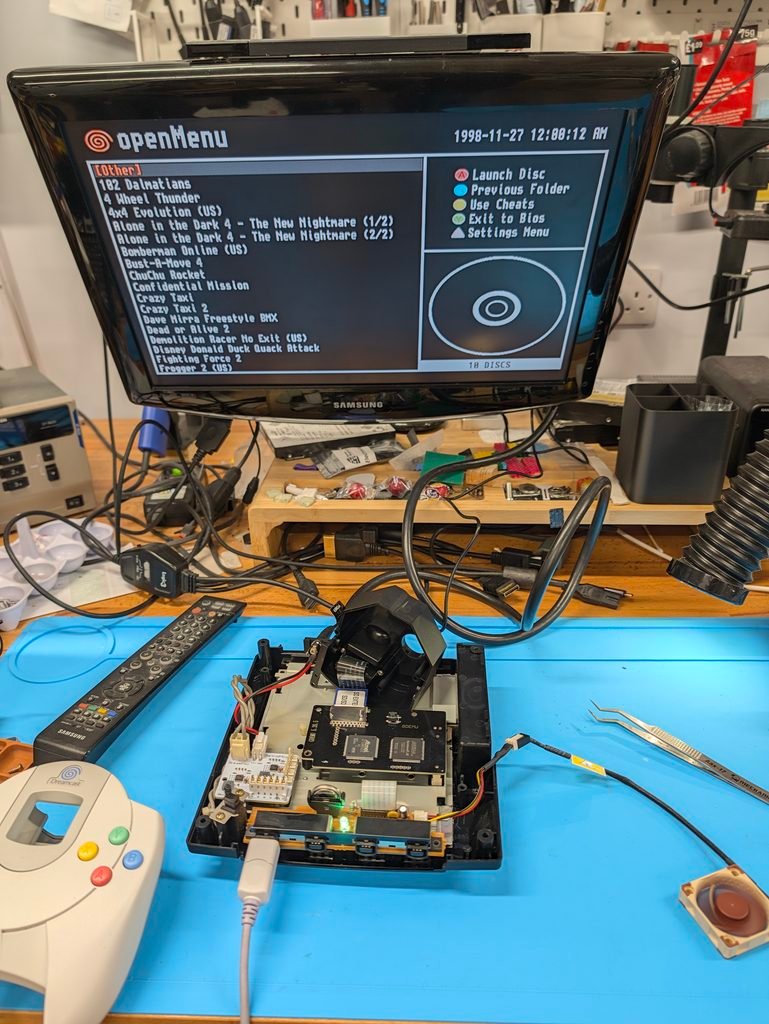

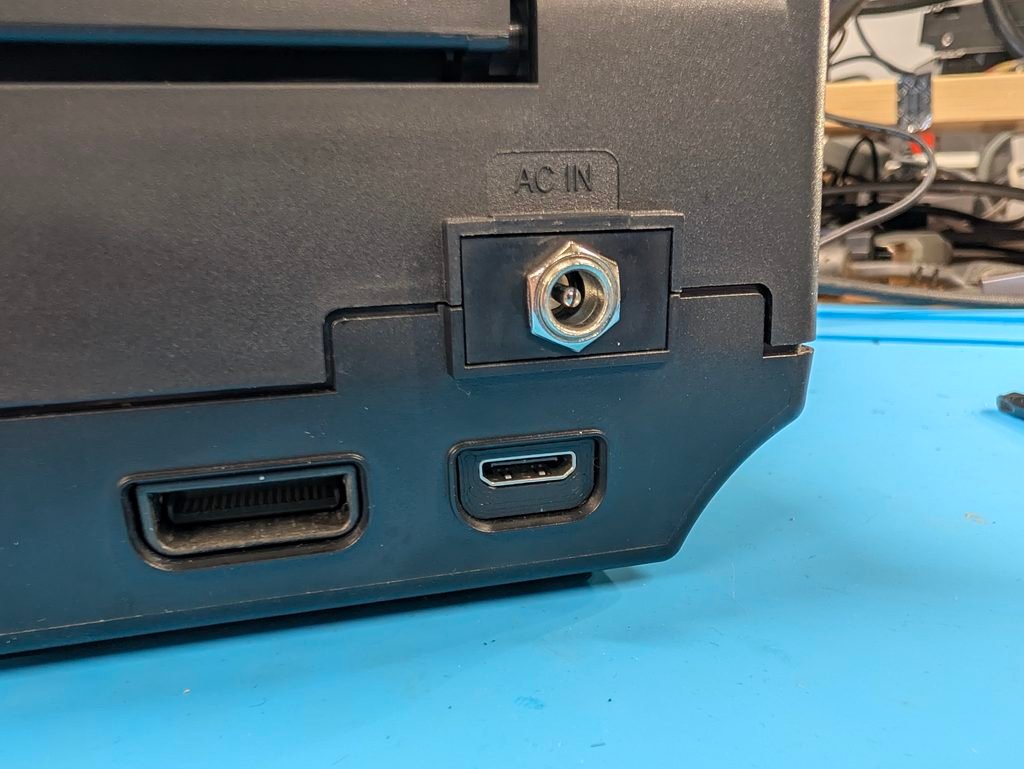
The next step was the installation of the Retro GEM. In a Dreamcast, this requires trimming the shields in a couple of places and remove one of the ports to make space for the HDMI port. I this case the serial port was removed so that the regular AV port is still available.
The support bracket for the GEM PCB needs to be soldered to the underneath of the main board. The flex cable then soldered to the video chip and routed to the back of the board to attached to the GEM. Finally, a 3D printed bracket is snapped into an separate HDMI board, and attached to the GEM with a white ribbon cable.
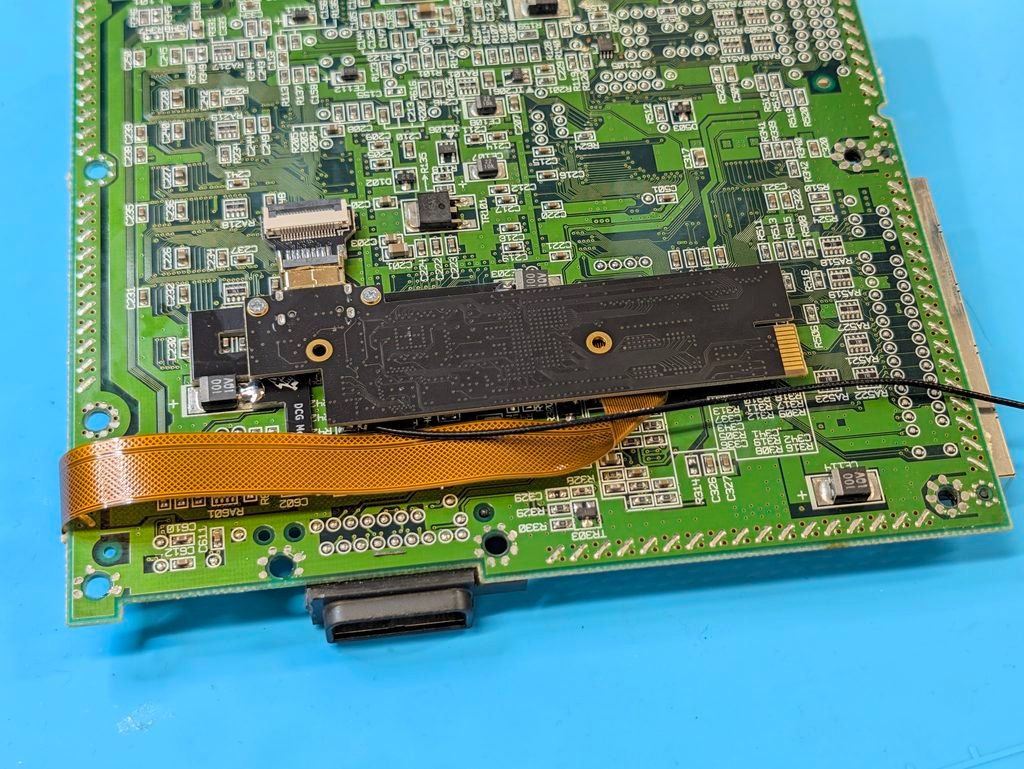
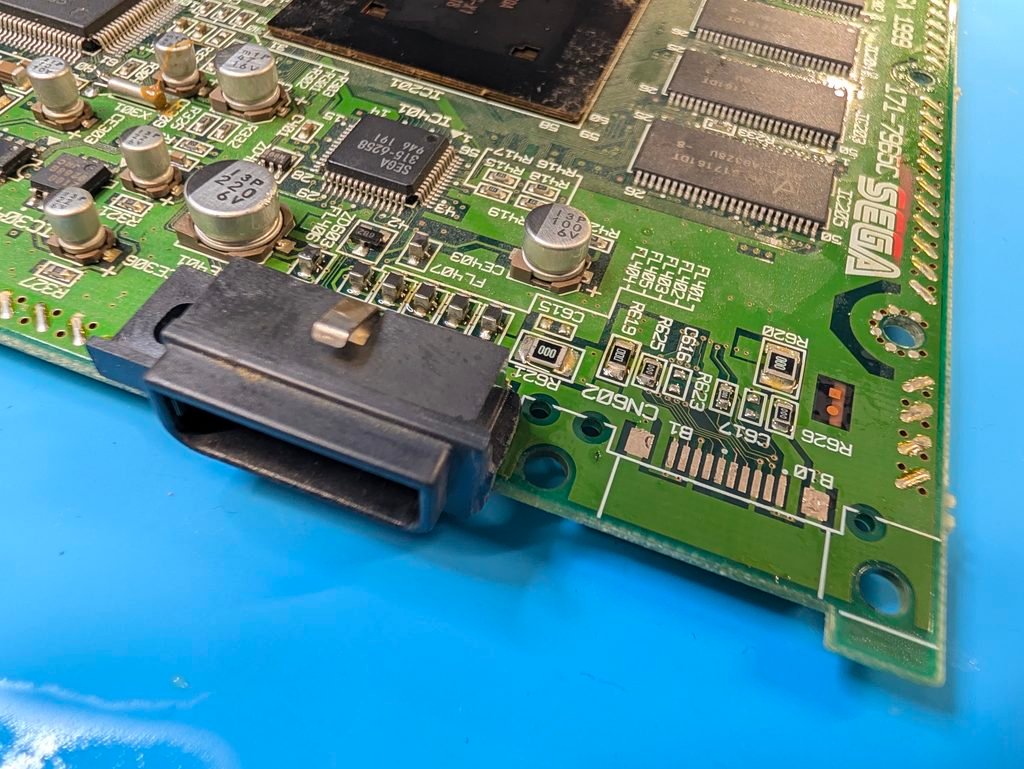
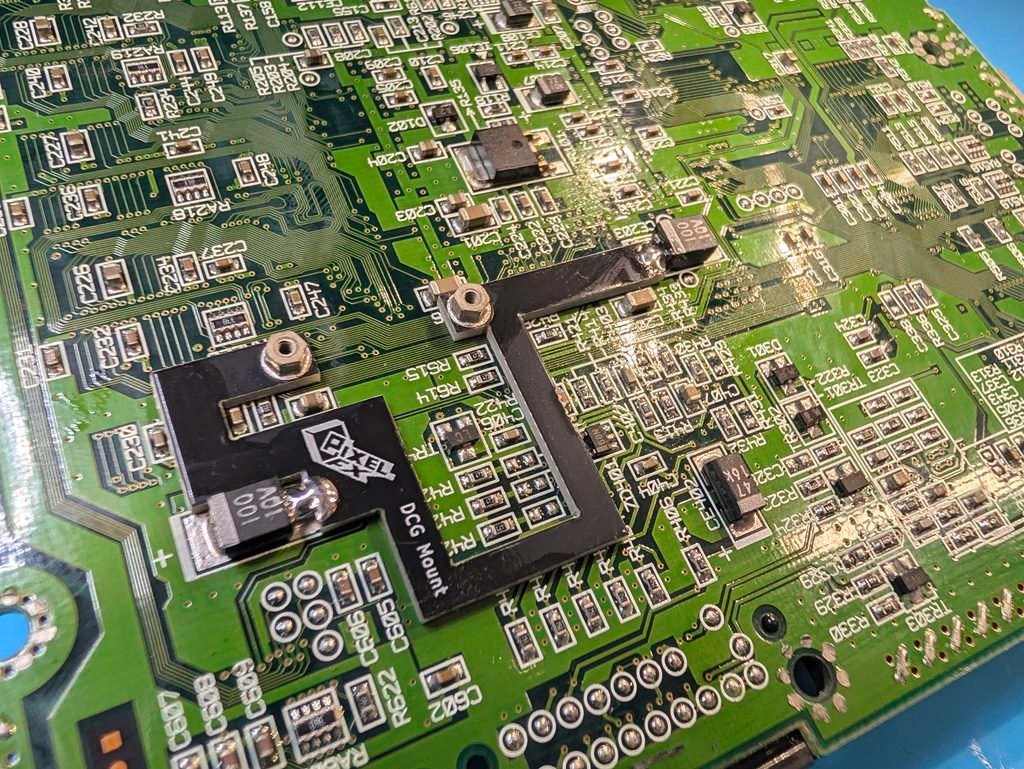
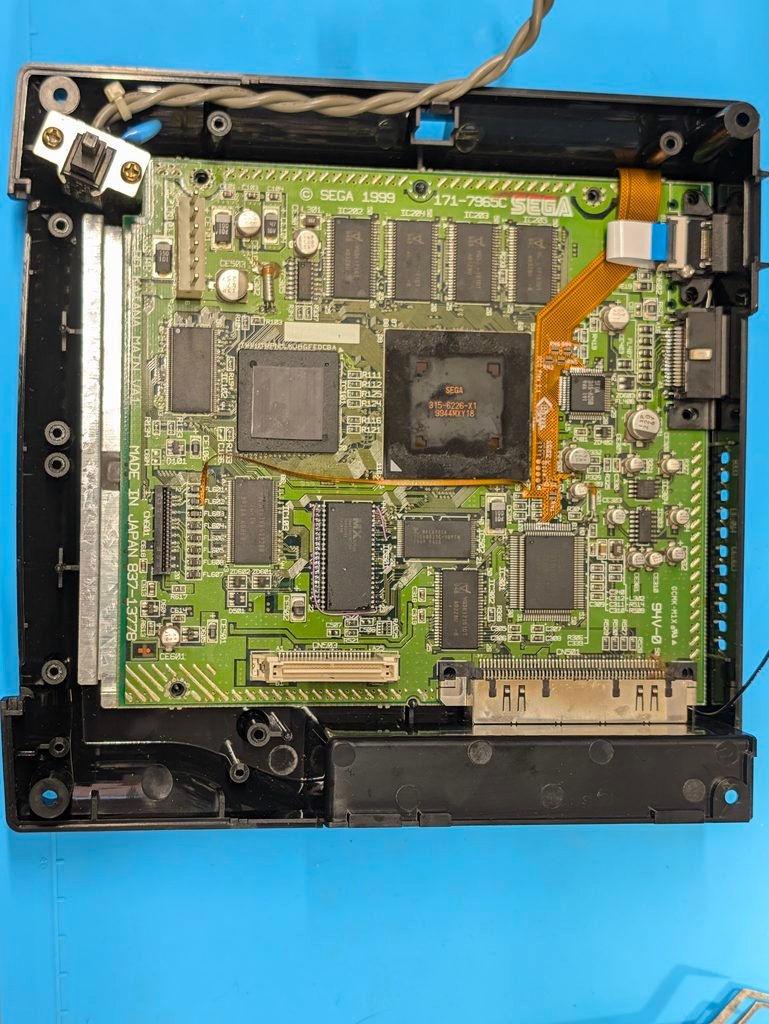
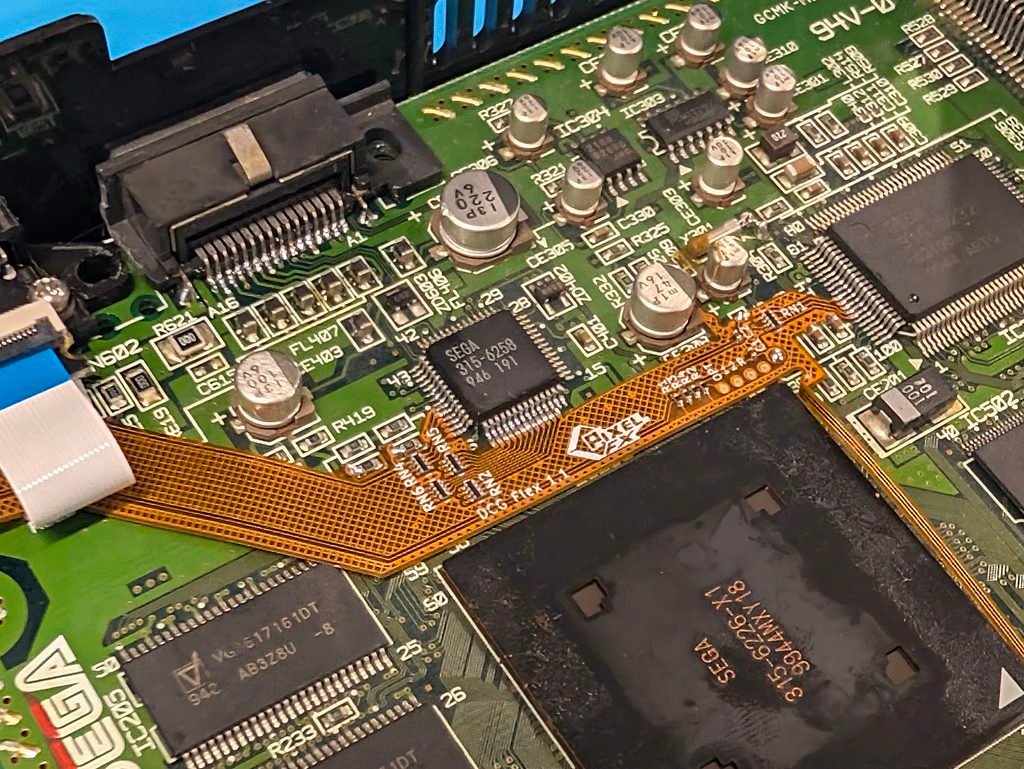
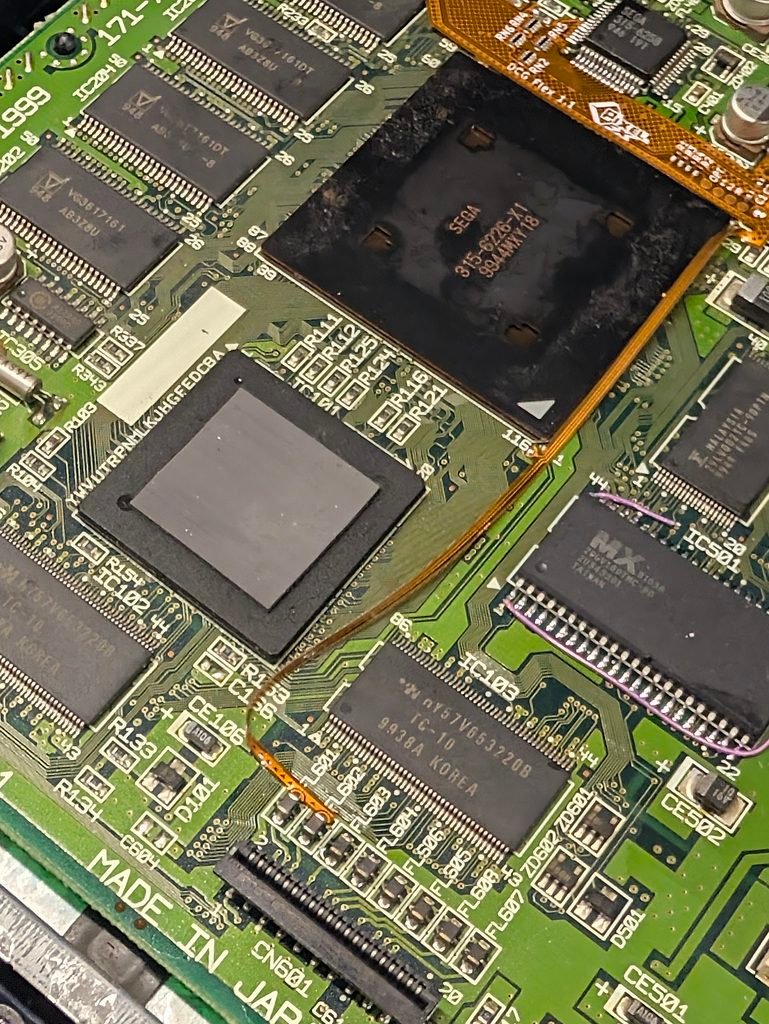
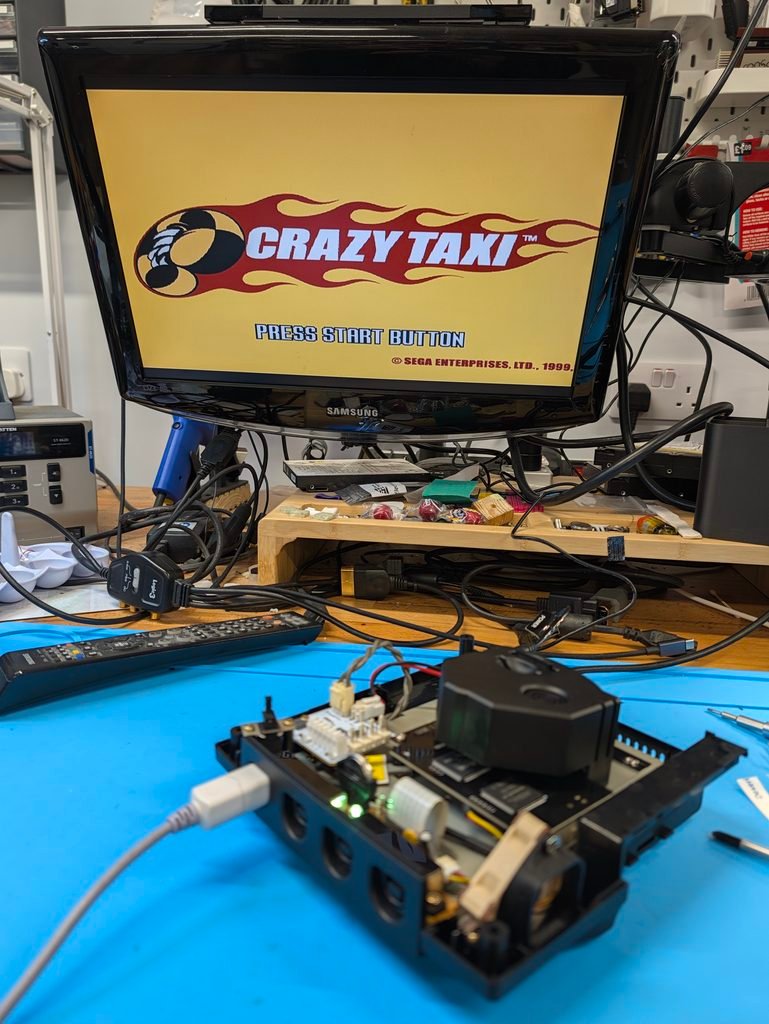
The console tested well after the install
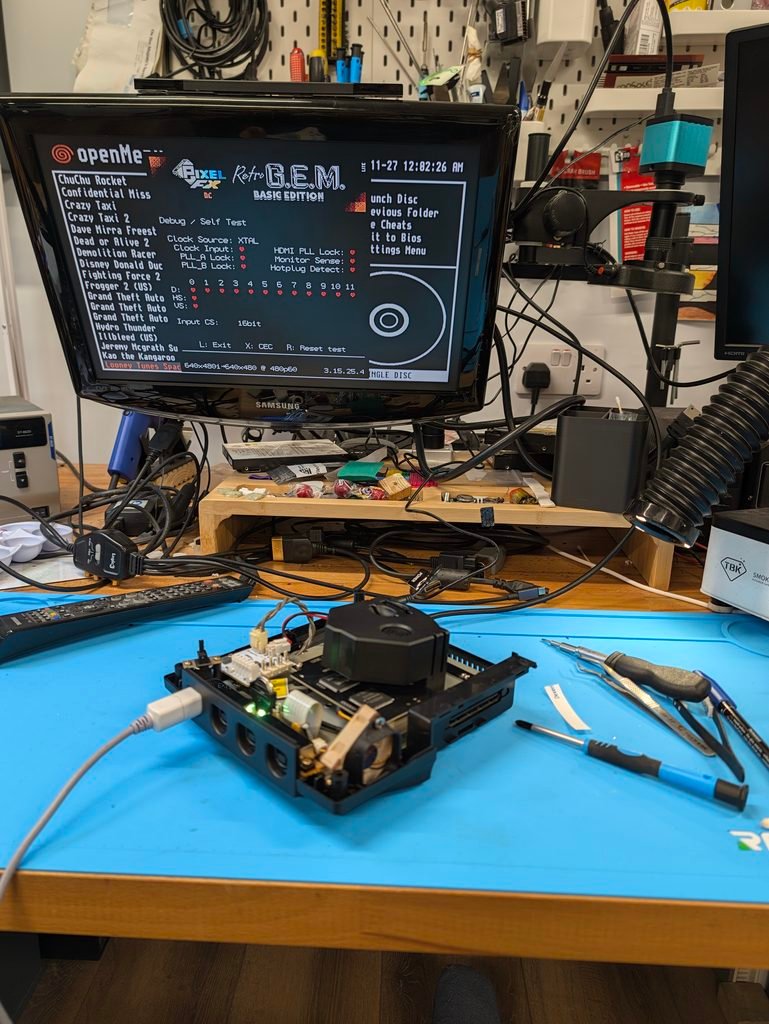
Please remember to configure your console for your own video setup. Access to the OSD menu is through: right trigger + left trigger + right pad + B.