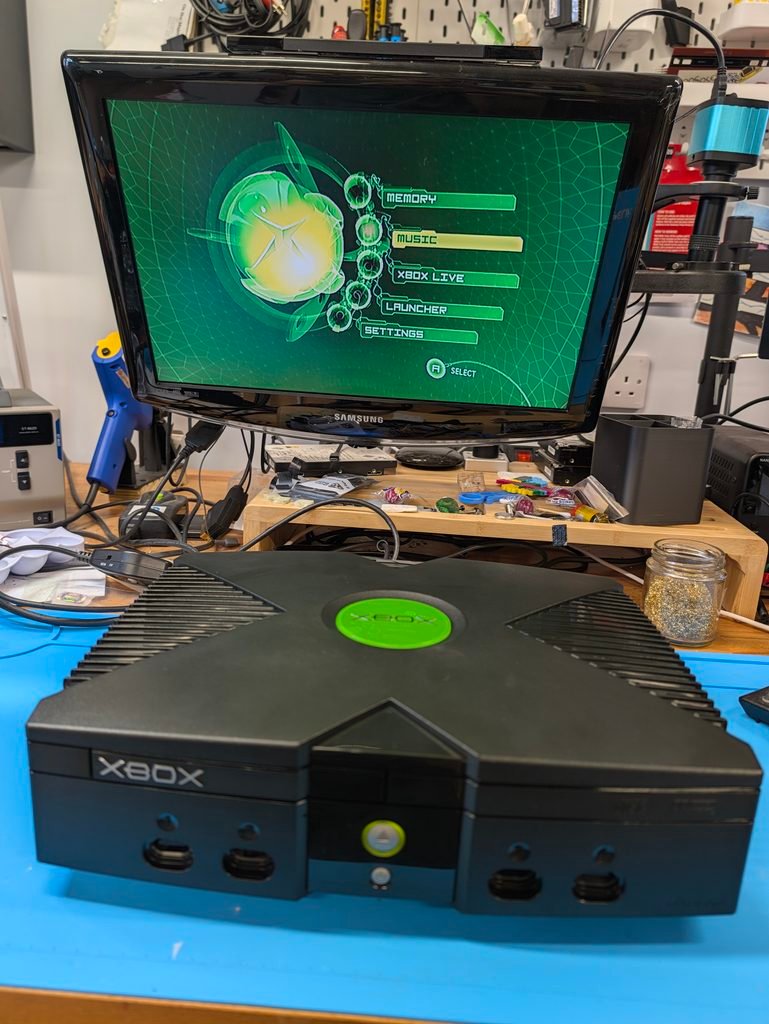
This order was for a 1TB, second hand, package service for an OG xbox.
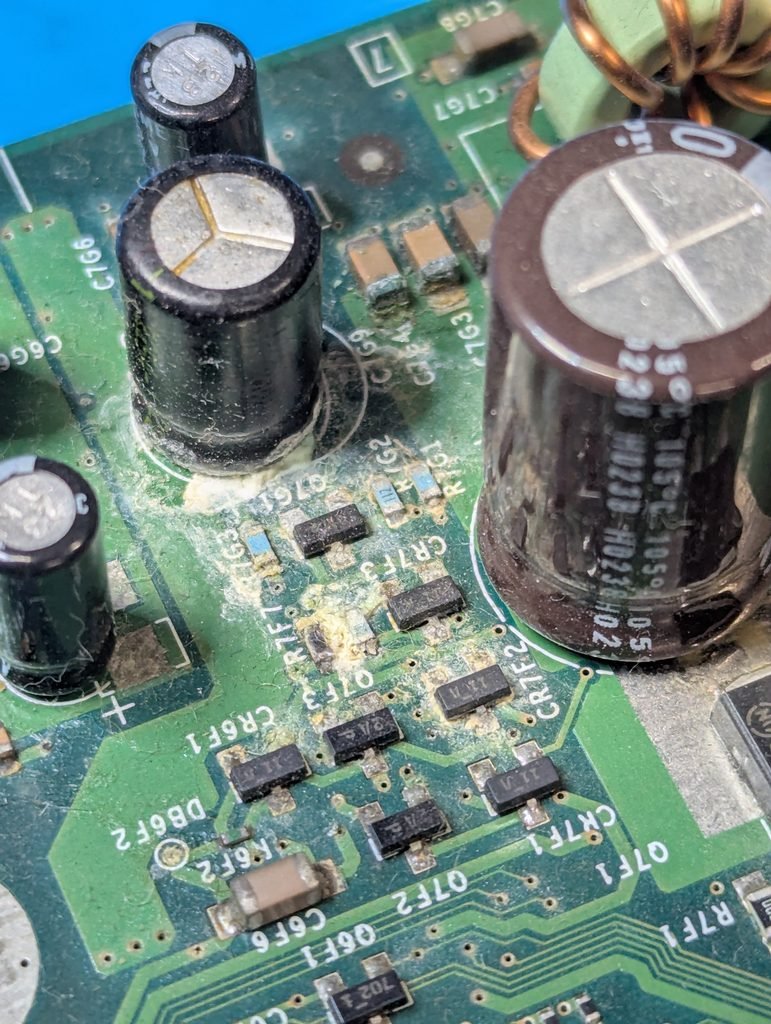
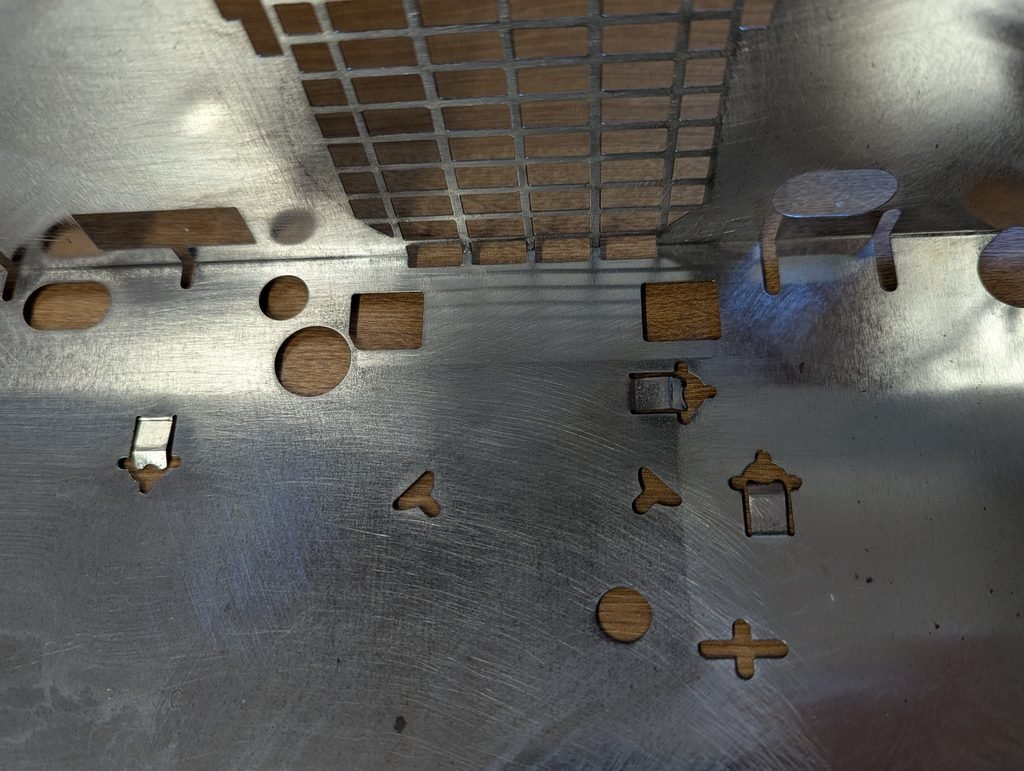
The console was in relatively good condition apart from some rust in the bottom internal shield and a leaking clock capacitor. The CD drive didn’t work well as discussed with the customer.
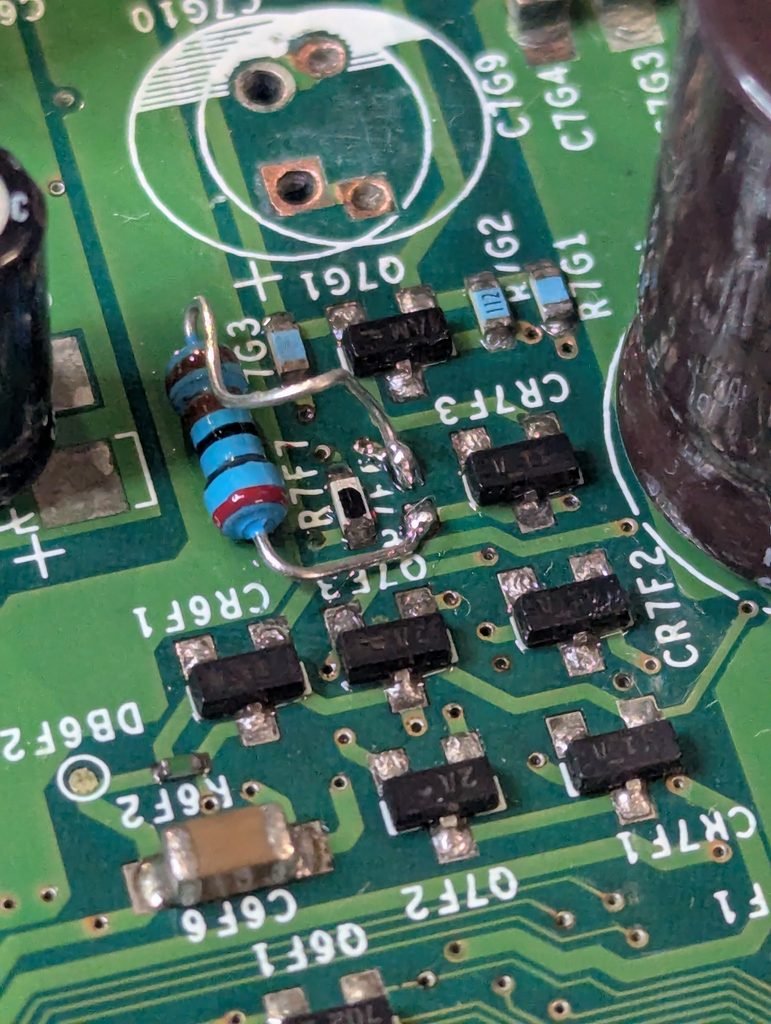
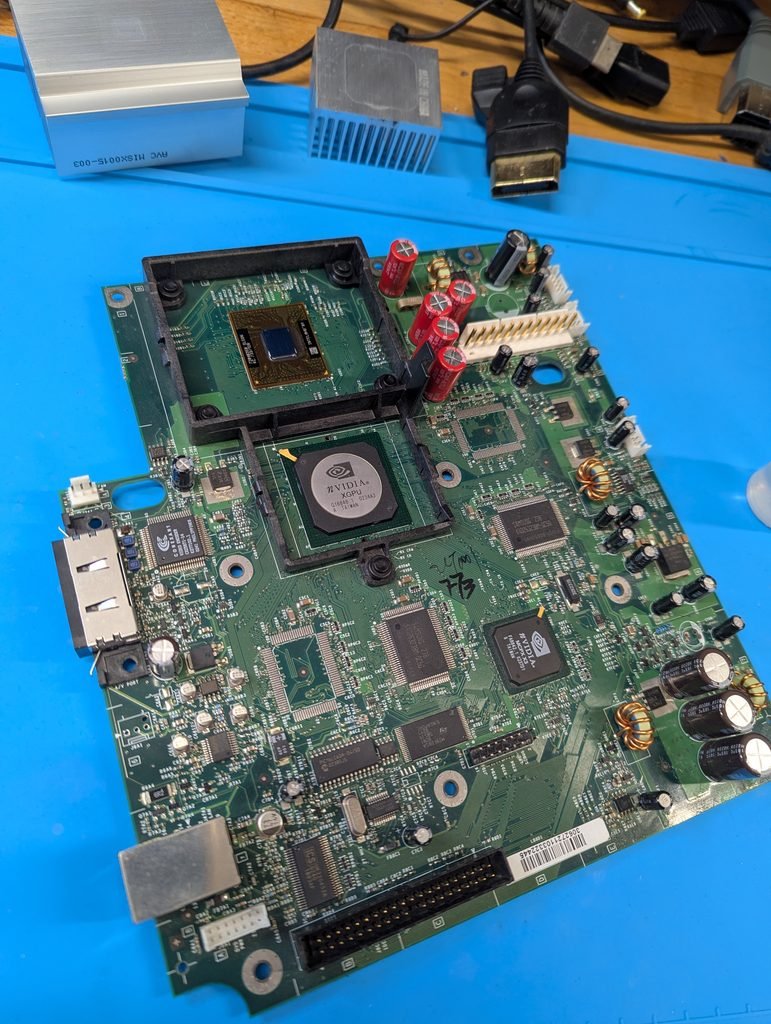
Upong cleaning the clock capacitor electrolyte spill, one of the resistors came off and wouldn’t solder back as the capacitor pads were too corroded. While this circuit is generally not required after the clock cap has been removed, I replaced the missing resistor with a through hole one (did not have an SMD cap of the right value, but the values are the same).
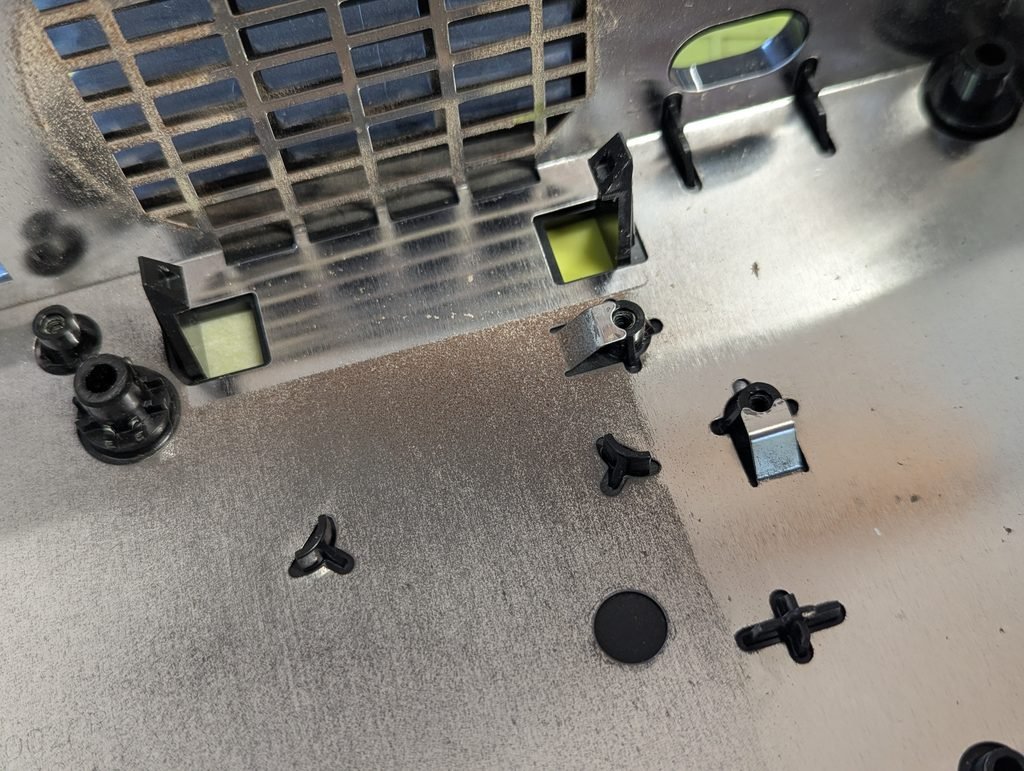
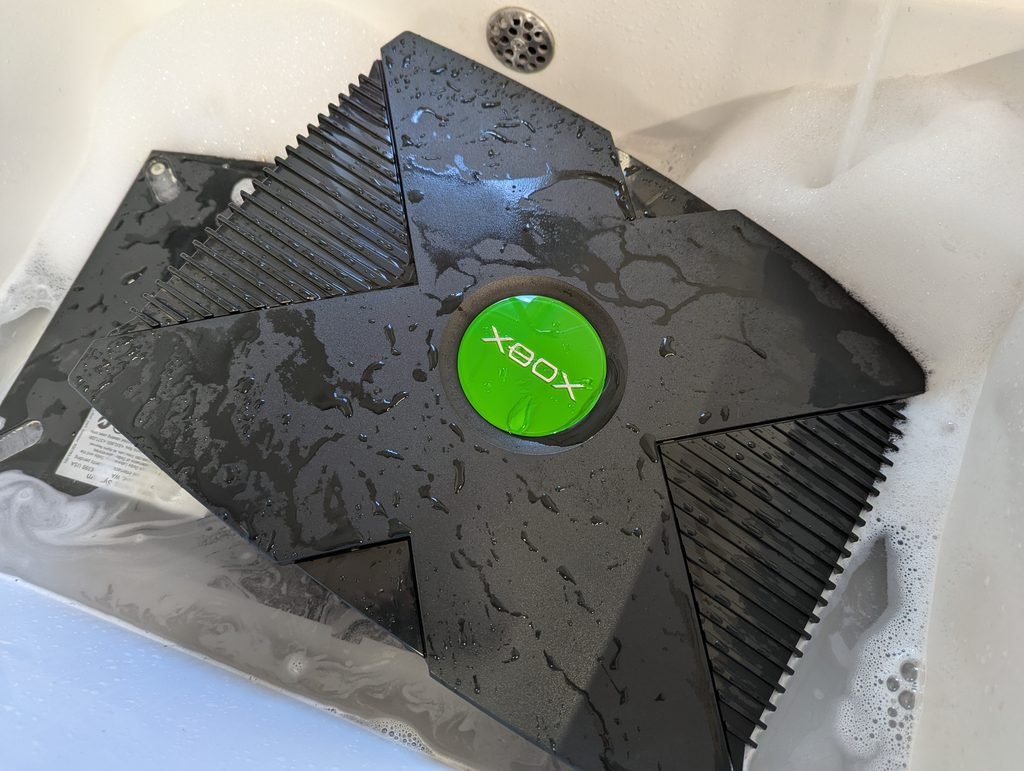
The shell was washed and the CPU capacitors replaced with high quality ones. The thermal paste under the heat sinks of the both the CPU and GPU was also replaced, and the rust sanded away.
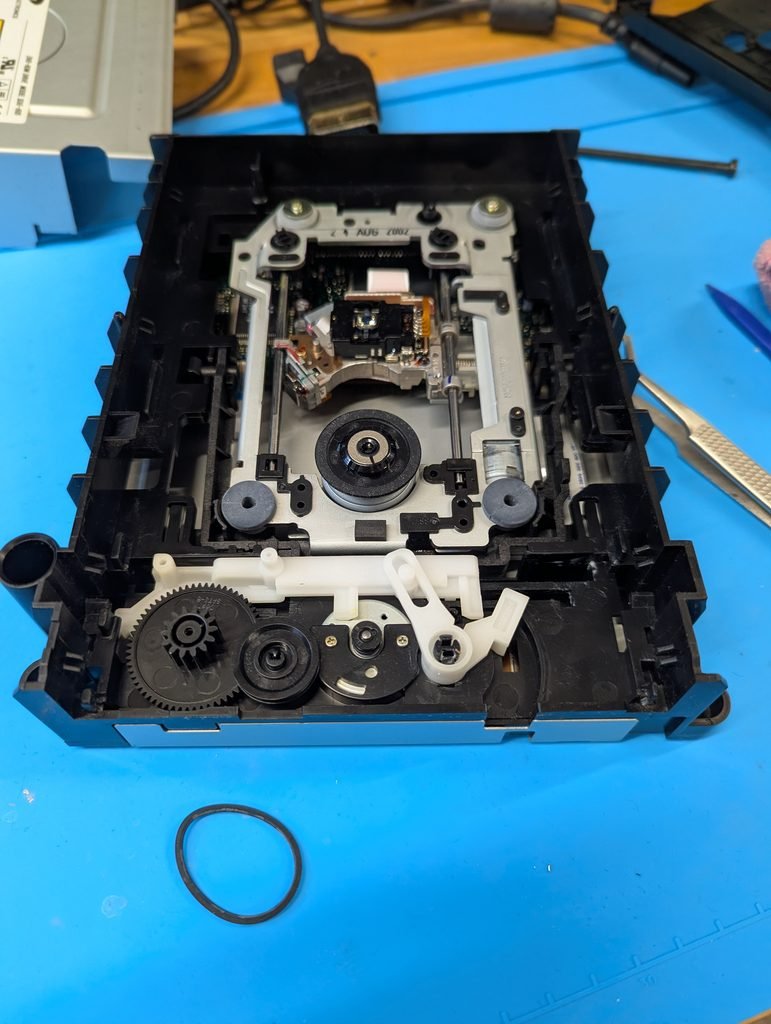
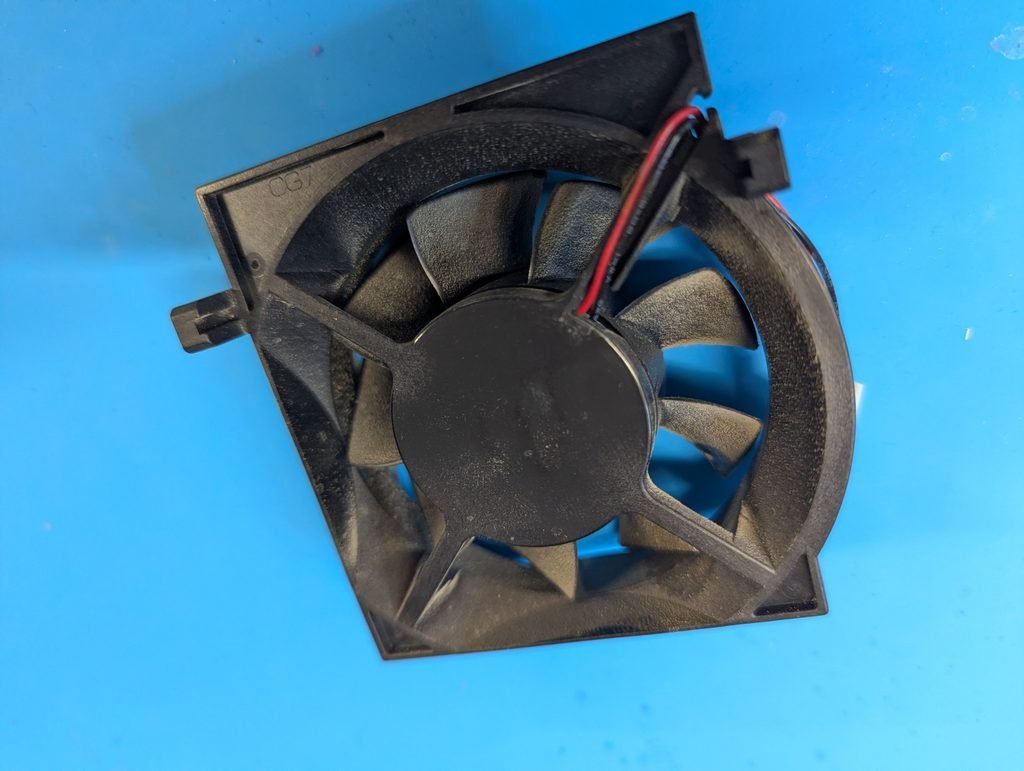
The fan and CD drive were cleaned. The tray belt for the drive replaced. Despite the cleaning, the CD drive still doesn’t work well. See below for instruction regarding how to upload games to the console’s HDD.
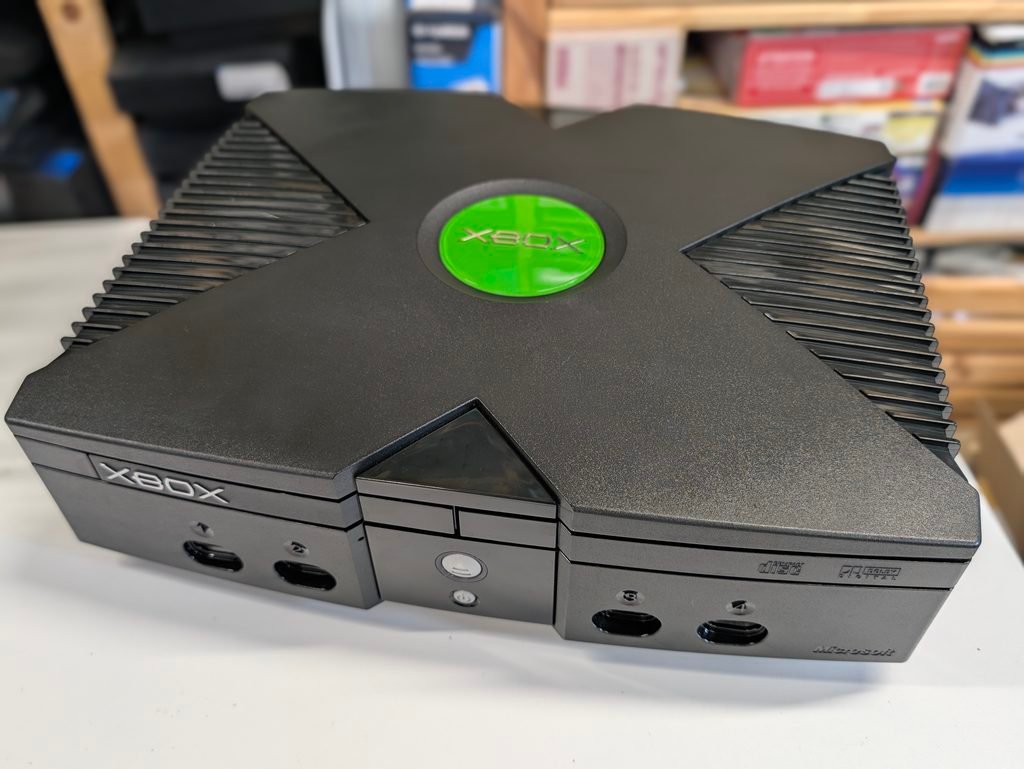
The console was fitted with an Aladdin modchip running Cerbios 3.1. The Cerbios.ini file which configures what dashboard to boot is in the E: drive. The default dashboard is UIX Lite, which is a modified version of the stock Xbox dashboard. It includes a new menu called “Launcher” where the user can launch programmes from the HDD. This menu indexes any new game found in the HDD, and indexing can be triggered manually by pressing the “Y” button. For the indexing to work, the programmes need to be included in the right place in the HDD. This can be configured in the Settings menu, but in this console, the default place is in F:\Games.
To upload games (or any other file) to the console, use FTP. The dashboard has an FTP server built in, but needs to be started by going into Launder and selecting “Start UIX Tools”. The ethernet cable needs to be plugged in. In the screen that appears in the console, there is an IP address and a user name and password. With that information, use an FPT client like Filezila in a computer, and upload the new games to F:\Games. Ensure they are uncompressed games with a “default.xbe” in the root directory of the game.