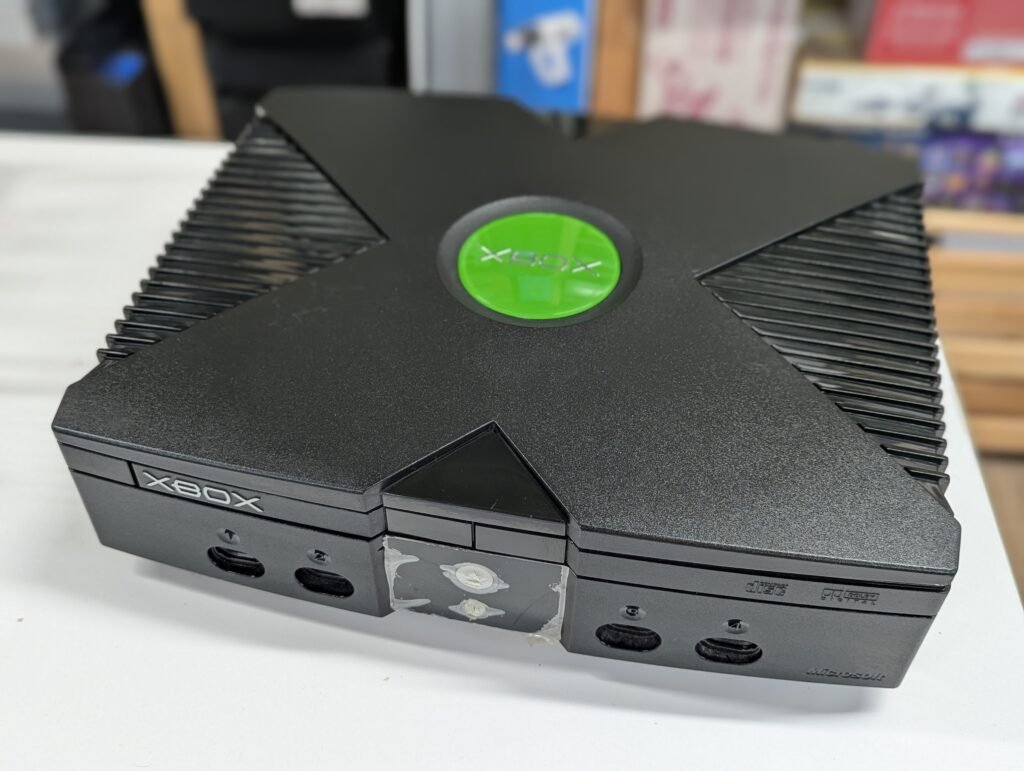
This order was for a package service for an original xbox, with TLC, modchip installation, 1TB new HDD installation, but with a full recap service.
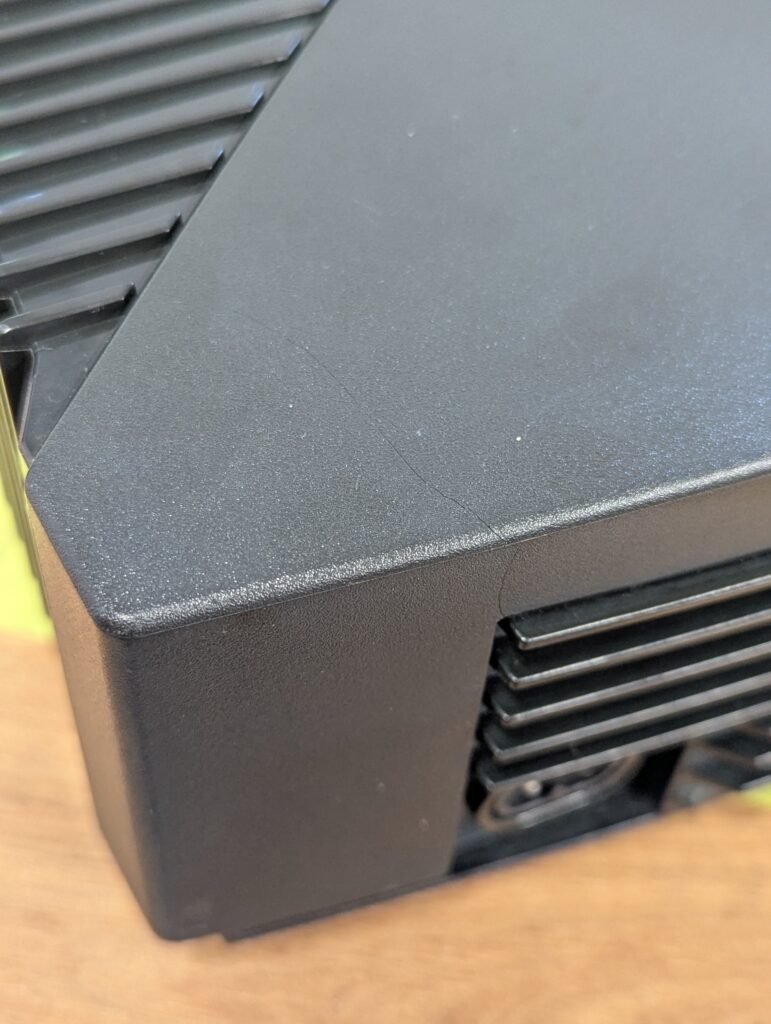
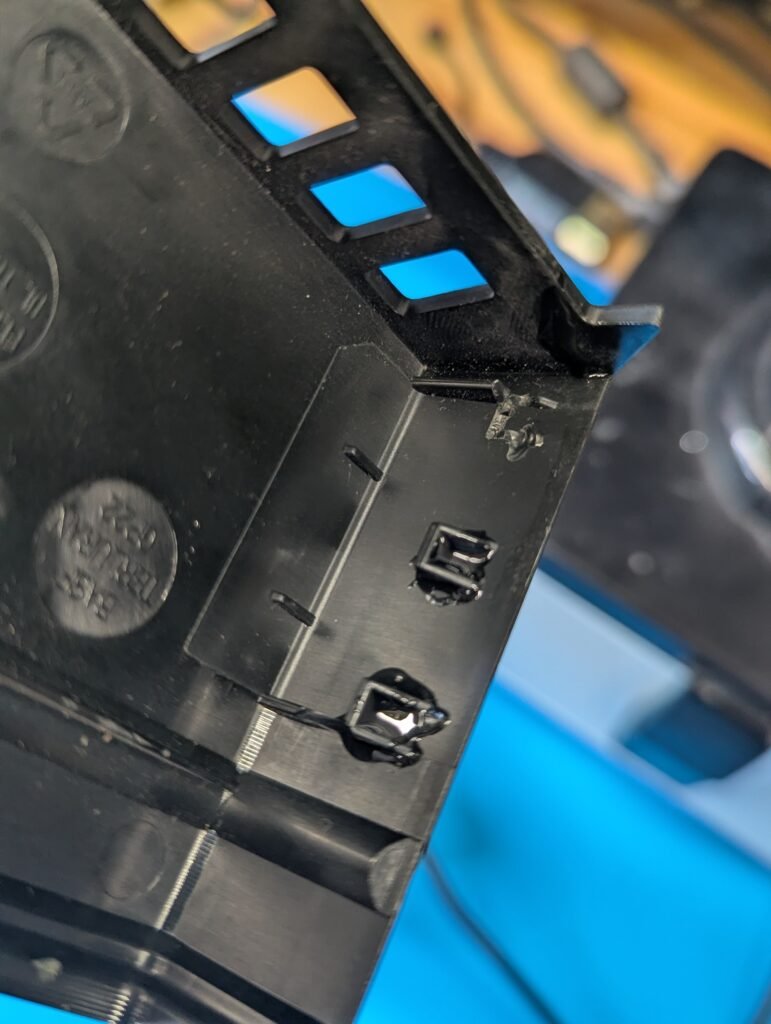
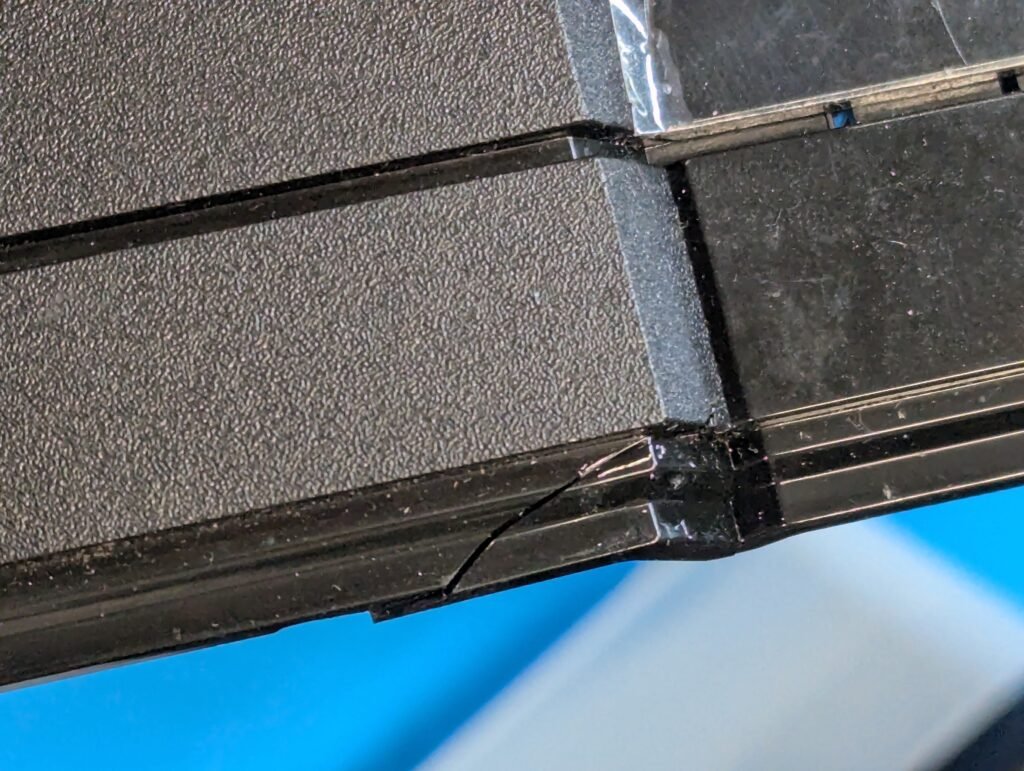
The console was in good condition but unfortunately arrived damaged from shipping. This was probably a combination of somewhat brittle plastic and the console not being packaged with sufficient padding and strong enough cardboard box. This damaged included some external chipping, but also quite a lot of internal broken posts and clips. This became apparent on disassembly, particular the faceplate. On reassembly, one of the corners of the console also started cracking, although is still holding and if the console is rested in one place, none of the damage is evident from the front.
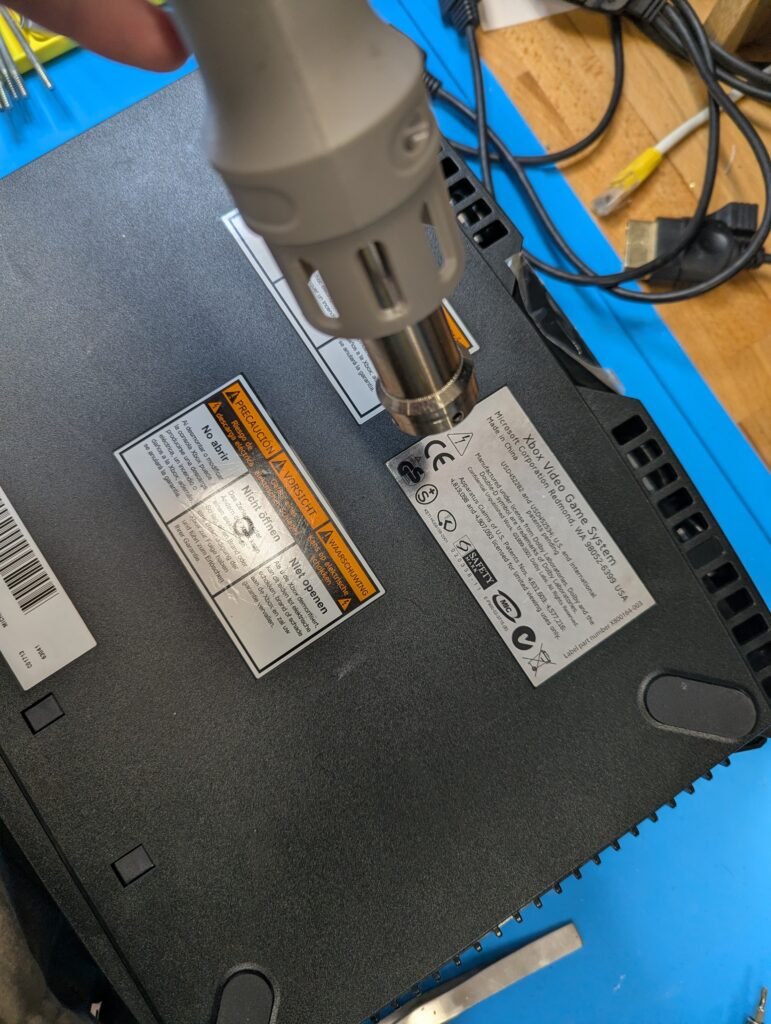
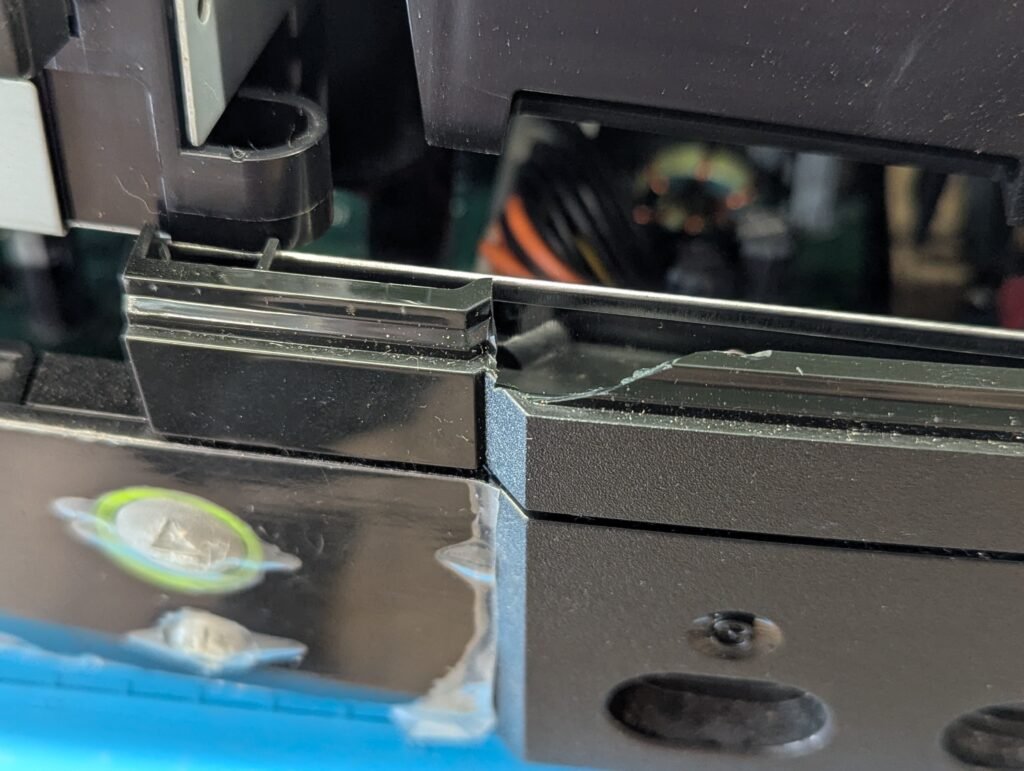
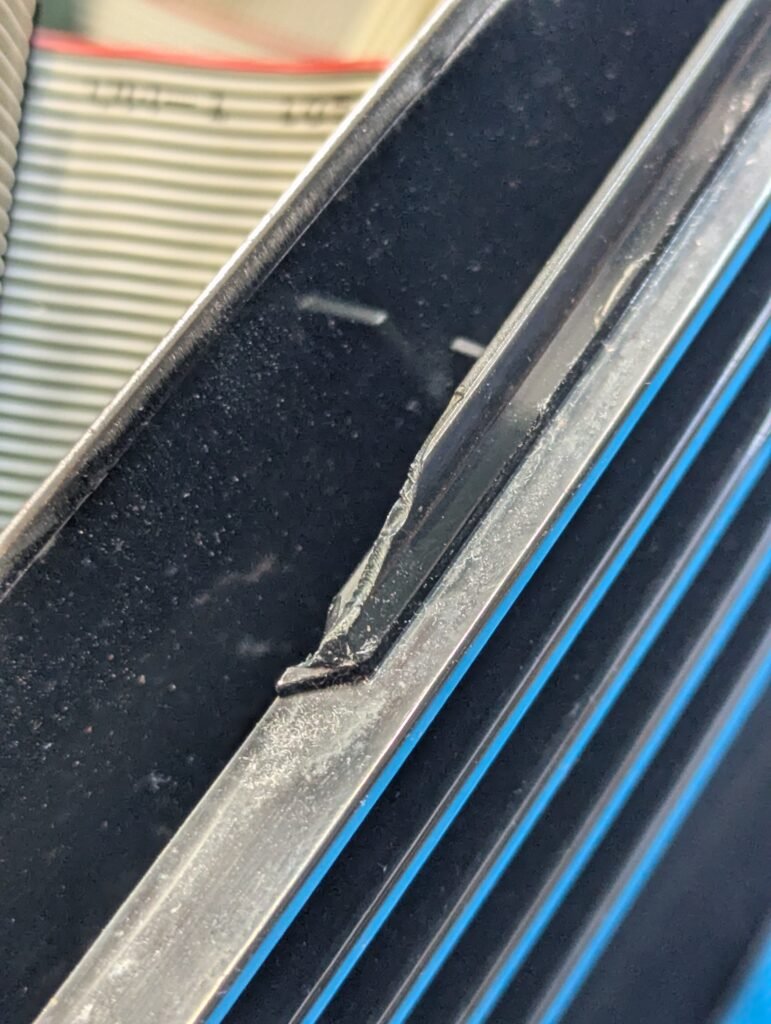
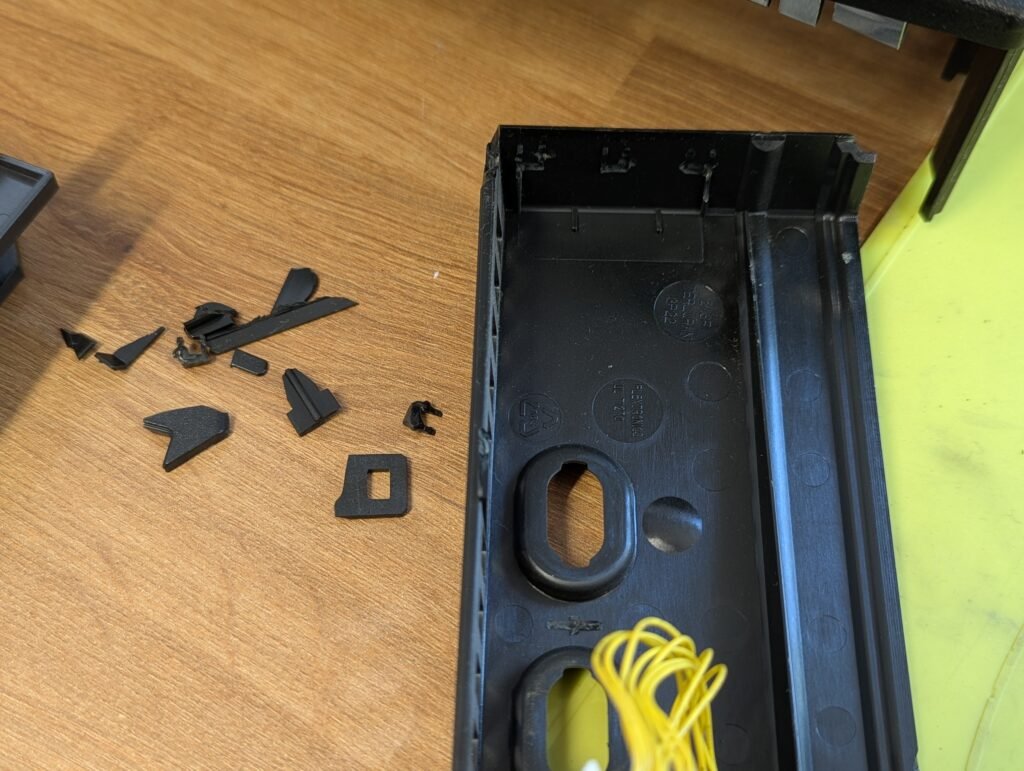
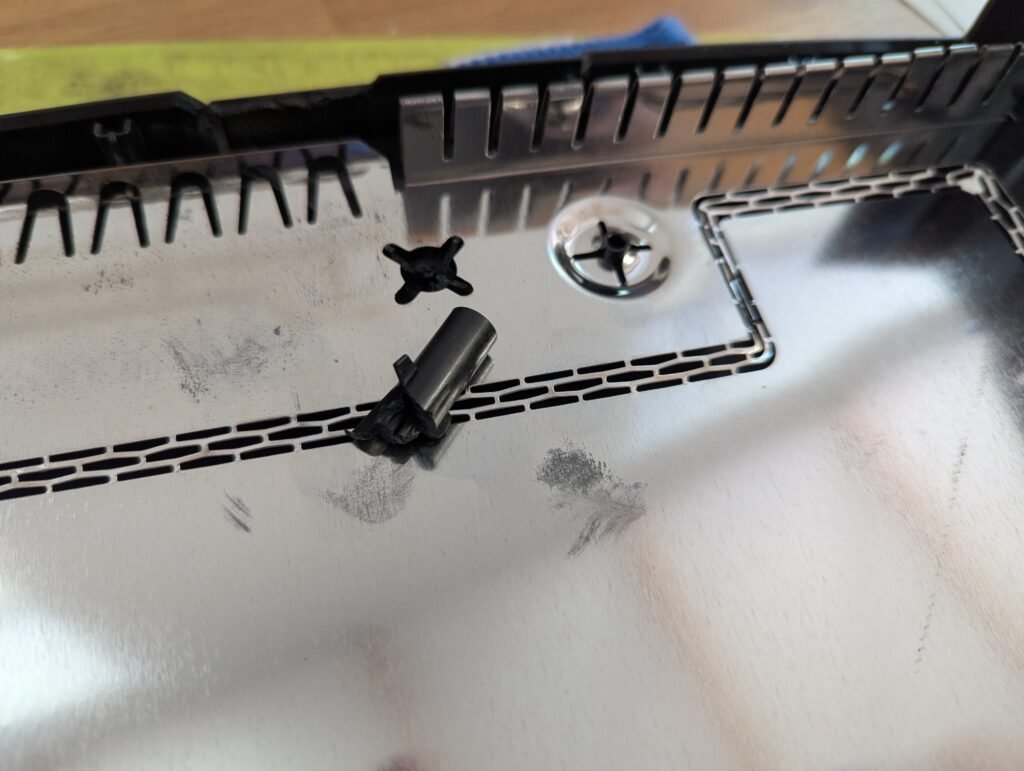
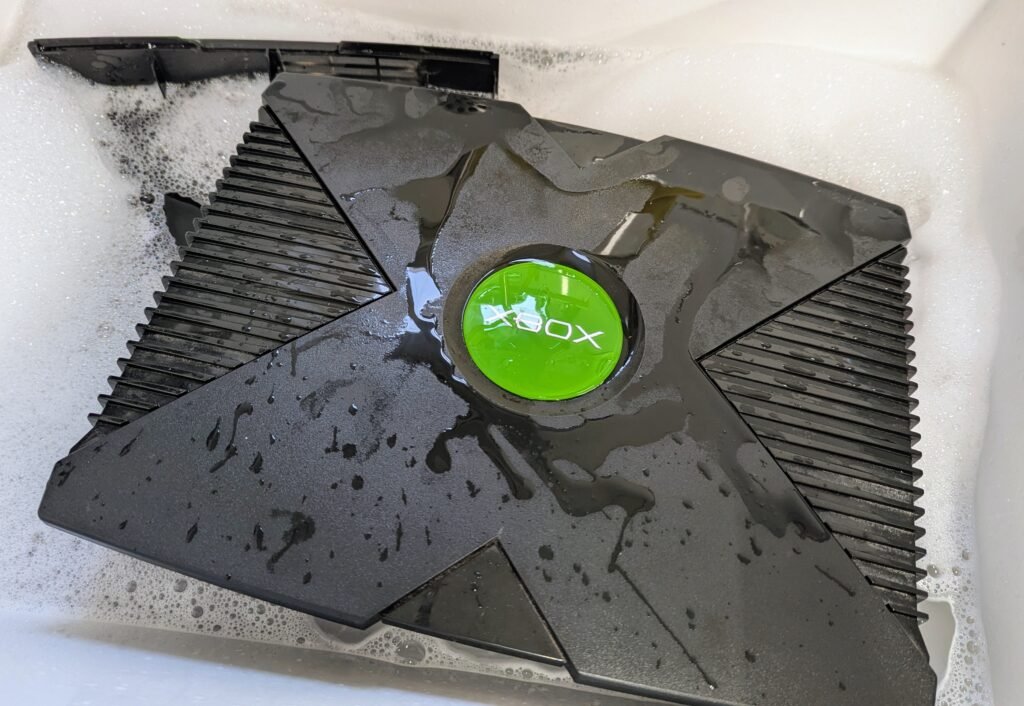
Some of the damaged was repaired using clear epoxy. That allowed the console to be reassembled tight. After the repair the console was washed with care.
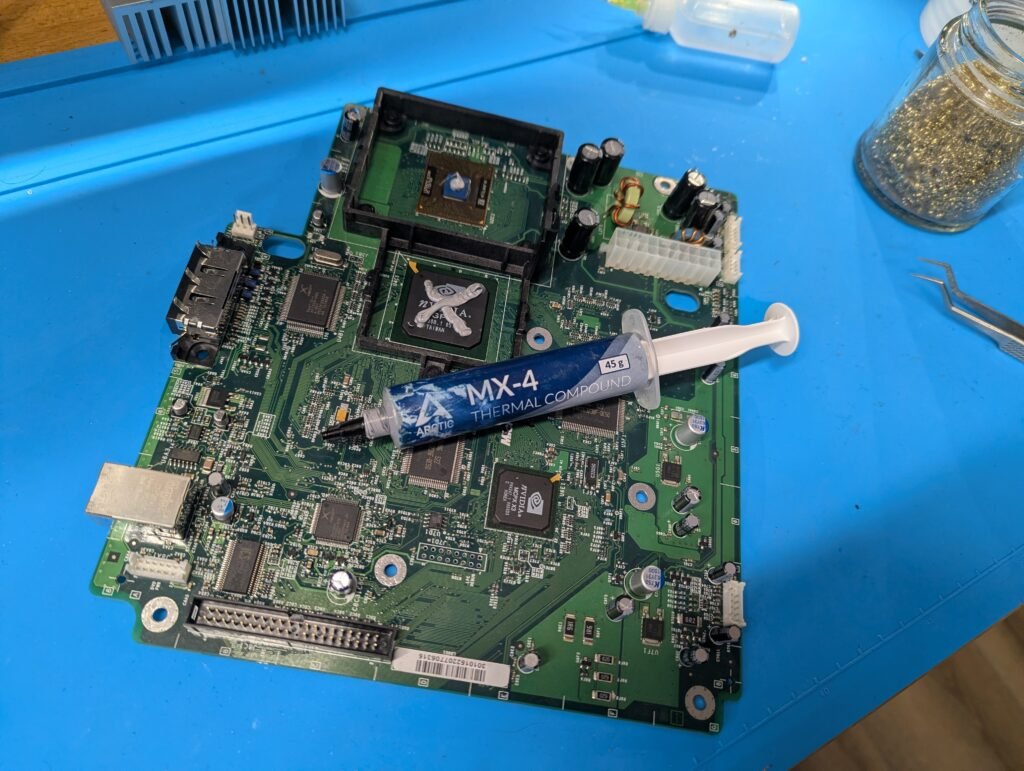
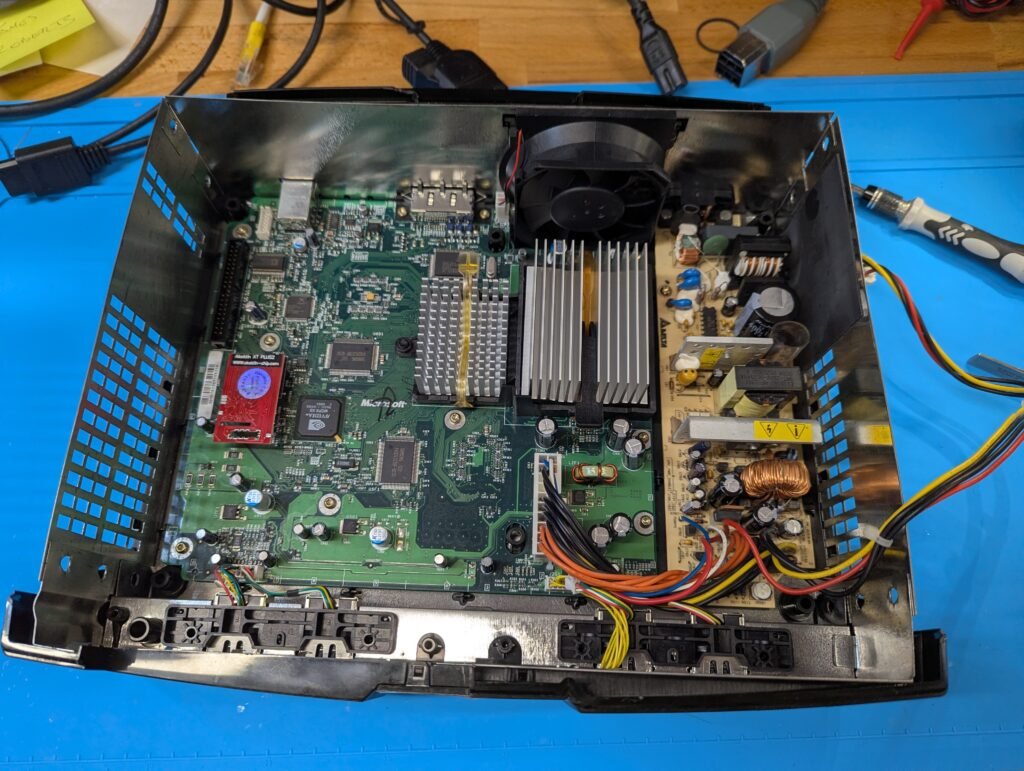
The motherboard, PSU and DVD drives were then fully recapped. The motherboard CPU and GPU thermal paste was also replaced.
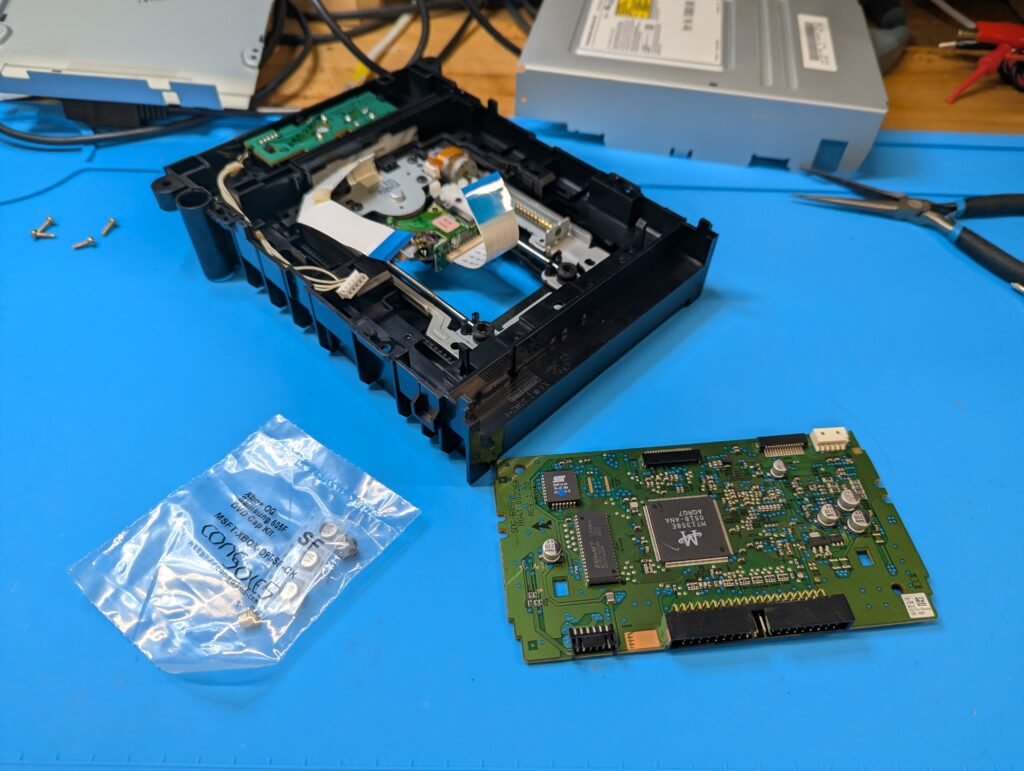
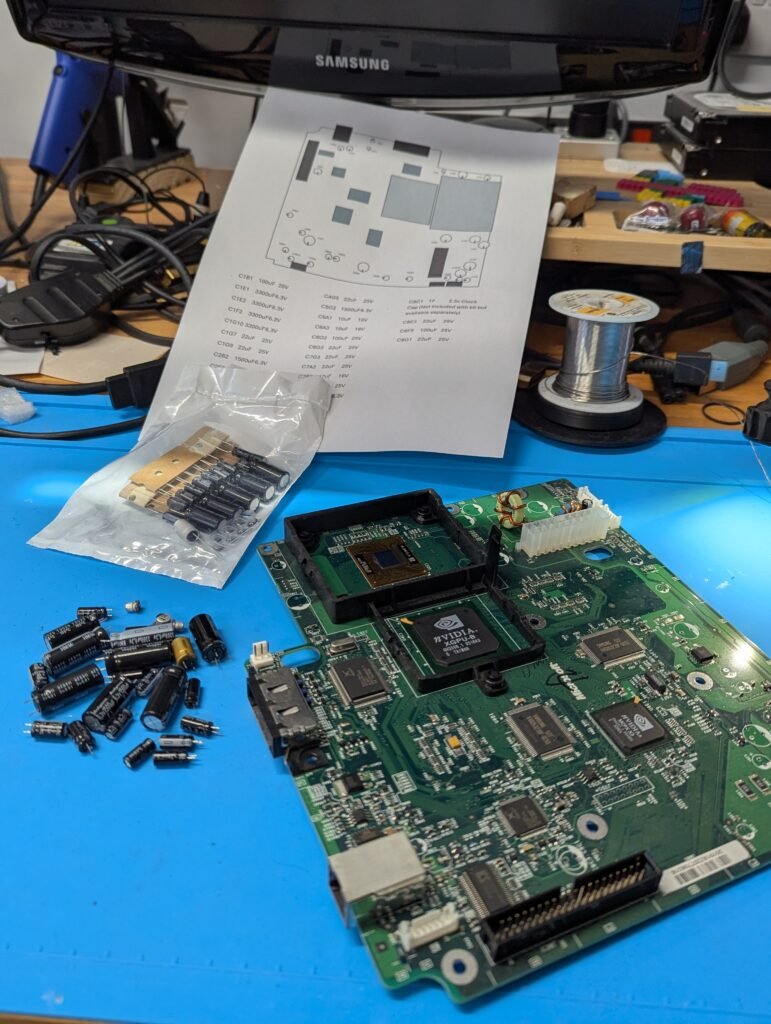
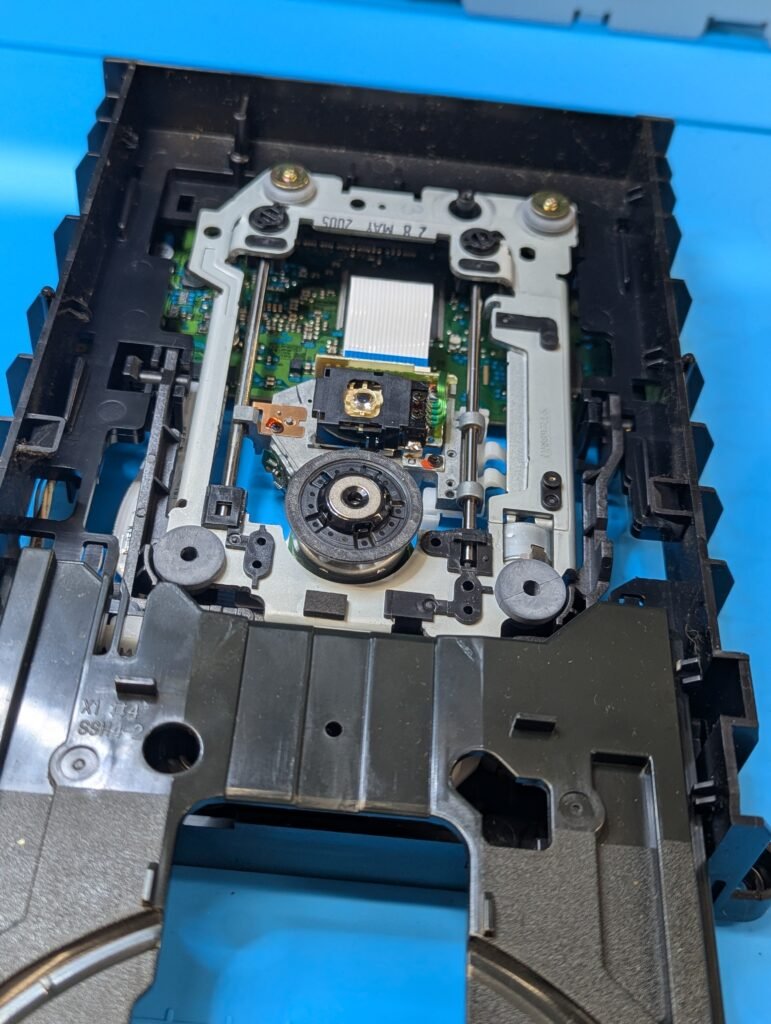
The LPC port of the motherboard was then rebuilt, and an Aladdin modchip was reflashed with the last version of Cerbios. The DVD drive was also cleaned up and lubricated, and the tray belt replaced. The console was then reassembled and tested
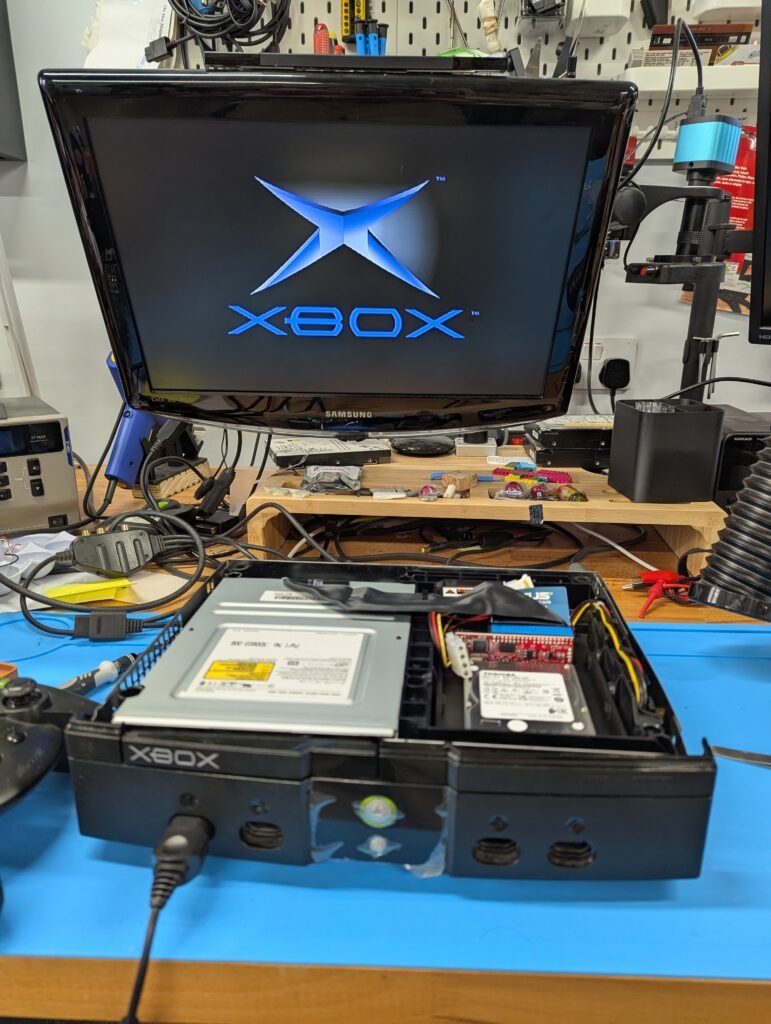
The console HDD was partitioned and XBMC4Gamers is configured as the default dashboard as requested. The console has also a modified stock dashboard (UIX Lite) which is in the root of the C partition as “xboxdash.xbe”. This dashboard can be either executed at boot by changing the Cerbios.ini file that is in E:\CerBIOS (ignore the cerbios.ini file in C: which is for an older version of Cerbios), or started from Xbmc4Gamers by using the File Explorer (black button on main dashboard, then settings), and executing the file from there.
These are the steps to register Insignia:
- Create an account by using your email here https://insignia.live/. You will received an activation code. You need that later to verify your Xbox Live account
- Execute the default.xbe file inside E:\Insignia. That will start the setup assistant and register your console. Please follow instructions here for more details https://insignia.live/guide/connect. You can run this in any dashboard.
- Once the console has been registered, you do need to go to UIX Lite to create an Xbox Live account and select your gametag. You do need to change the DNS settings so that the console connects to the Insignia servers. Here you will need the subscription code that was sent to your email.
- Once the process is finished, you don’t need to run games from UIX Lite, you can do that from XBMC4Gamers if you prefer.